











Movement and emotions
01 / FILM FROM CLIPVISION
UGC ad
The presenter introduces the product, shows it in action and tells a story. You select the feed, AI assembles the scene.
Show a product, present a website, or let a virtual presenter speak. Ready-made tools, their differences and real results are collected here.
Explain an offer, show a product or tell a story.

The presenter introduces the product, shows it in action and tells a story. You select the feed, AI assembles the scene.
How it works ↗
Select a presenter and voice. He will talk about your offer while the viewer sees the product or its photographs.
How it works ↗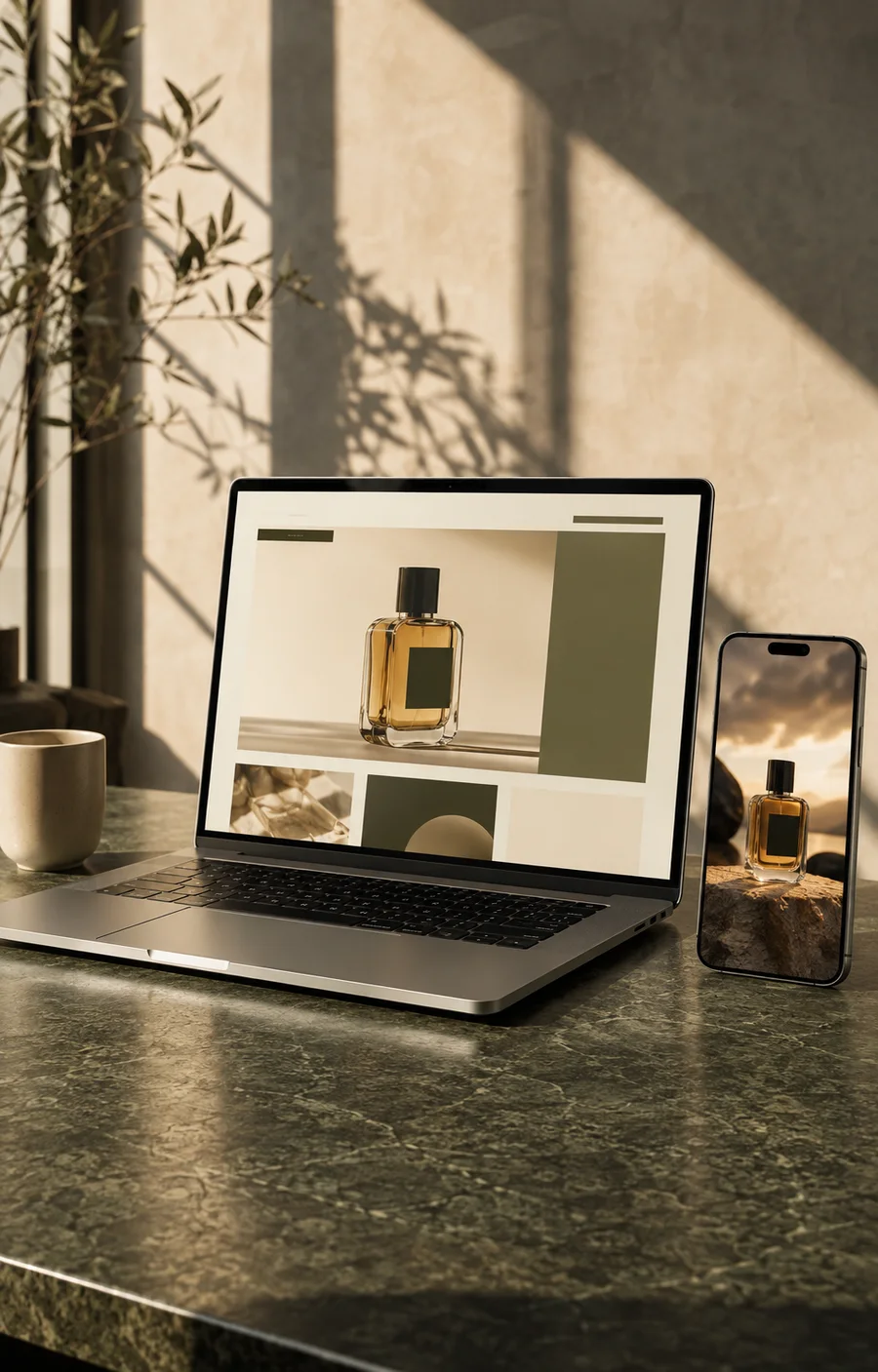
Paste the link. AI will study the proposal and help present the site in a video with a presenter, phone or laptop.
How it works ↗To submit advertising text, select a speaking avatar. For actions and mini-story - UGC. To introduce a site or service, open the site's advertisement. Express advertising is available in the application for quickly creating a video based on product materials.
Add materials and product description, then check copy, voice, format and cost. AI relies on your source files: check the facts, labels and appearance of the product before publishing.
Real generation from our tools. Choose the feed for your task.
The presenter introduces the product, shows it in action and tells a story. You select the feed, AI assembles the scene.
Select a presenter and voice. He will talk about your offer while the viewer sees the product or its photographs.
Paste the link. AI will study the proposal and help present the site in a video with a presenter, phone or laptop.
Examples without sound. Click "Watch" to start the video.
How AI advertising works in ClipVision.
In the AI-studio ClipVision, select a format, upload photos of one product and describe the offer. AI will help you prepare three advertising texts or ideas. Then set up the video, check the cost and start generating.
A talking avatar recites prepared text in a stable frame. UGC creates a more fluid scene with actions, environments, and product interactions.
Yes. The Site Ads mode analyzes the public page, and then you check the information and images. You can create a video with the presenter against the background of the site or a story with a phone or laptop.
The cost depends on the chosen tool, duration and settings. The price for generating and paid preparation of ideas is shown before confirmation. Payment in rubles, without mandatory subscription; The current calculation is available in the application.
No. Ready-made tools help you go from a product or website to an idea and a video. For independent tasks, ClipVision also has a catalog of models for images, videos and AI chat.
On your computer in the browser, or in the MAX or Telegram widget. Choose a convenient login method; the available options are shown in the selected mode before starting.
“Advertising by example” and “Subject video advertising” are hidden from the catalog. Descriptions are kept for familiarization with the approach; These modes cannot be launched now.
Open AI-studio on your computer or in your usual messenger.
No required subscription. The cost is visible before launch.