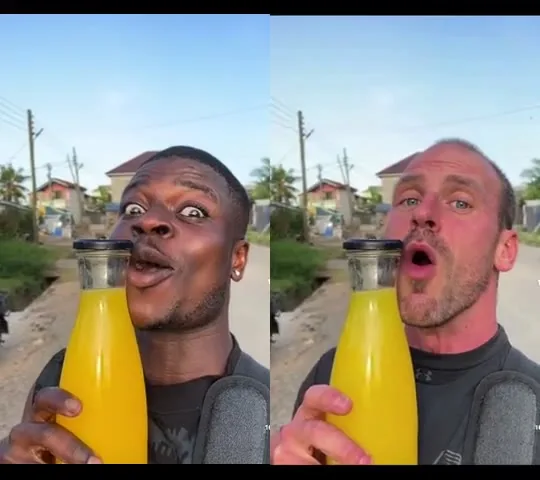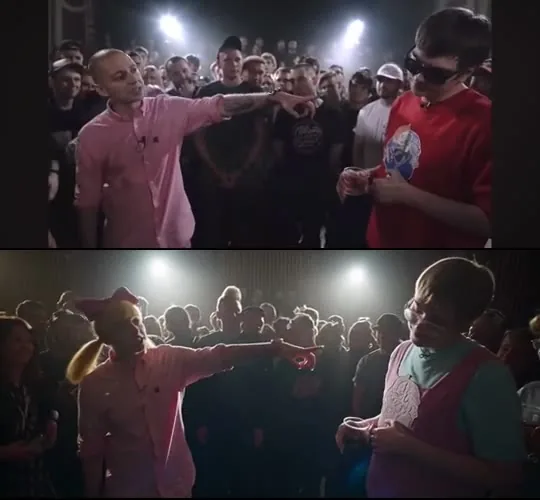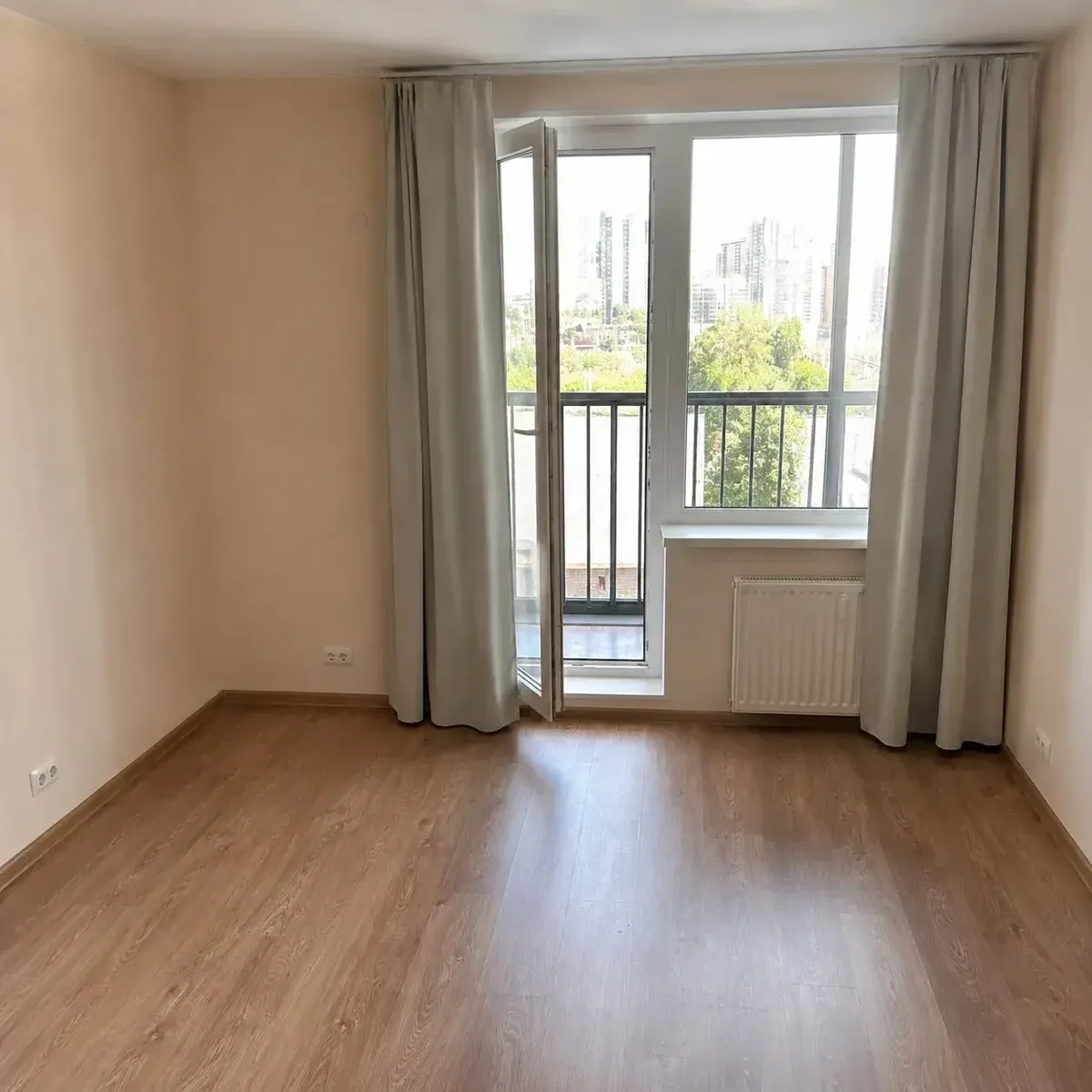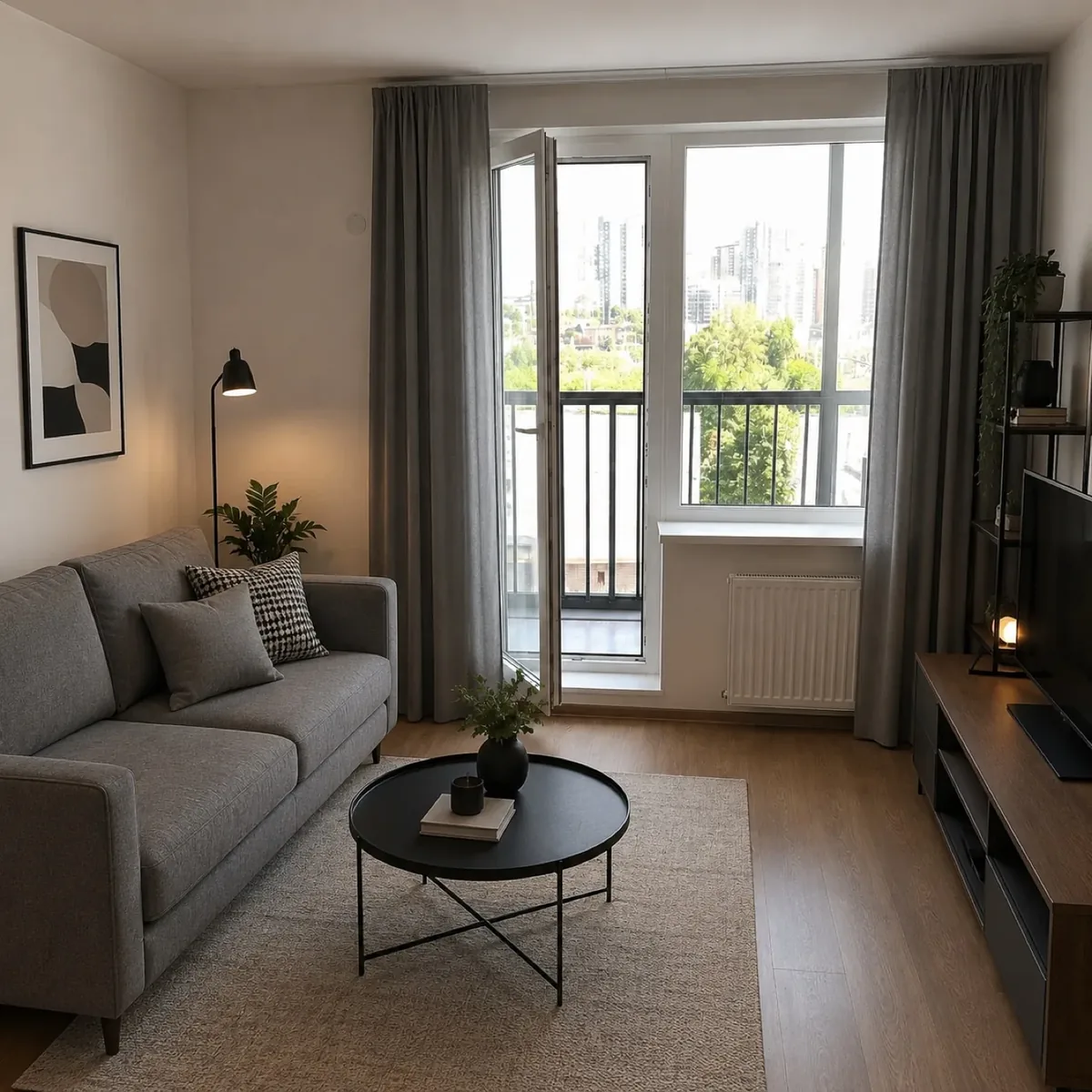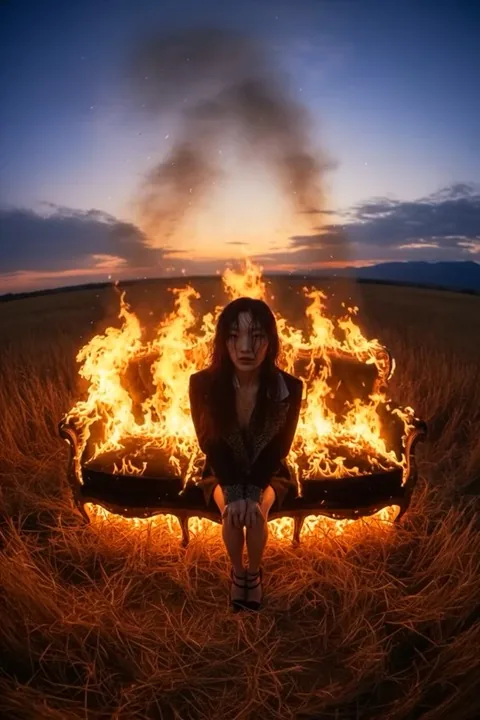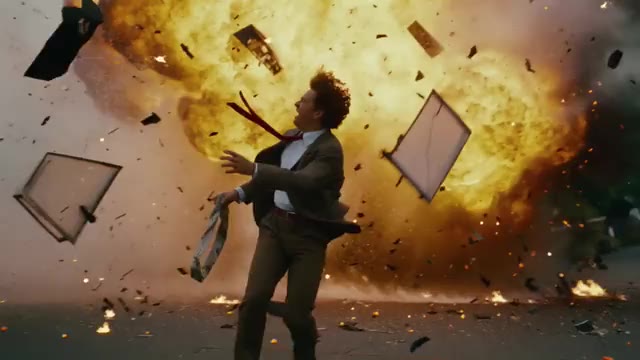
Replacement of characters
Change heroes while maintaining your story.
Create photos, videos and ads.
Add captions, translate videos and record a new voiceover in one AI studio.
No subscription requiredSettings tailored to your taskOne shared balance
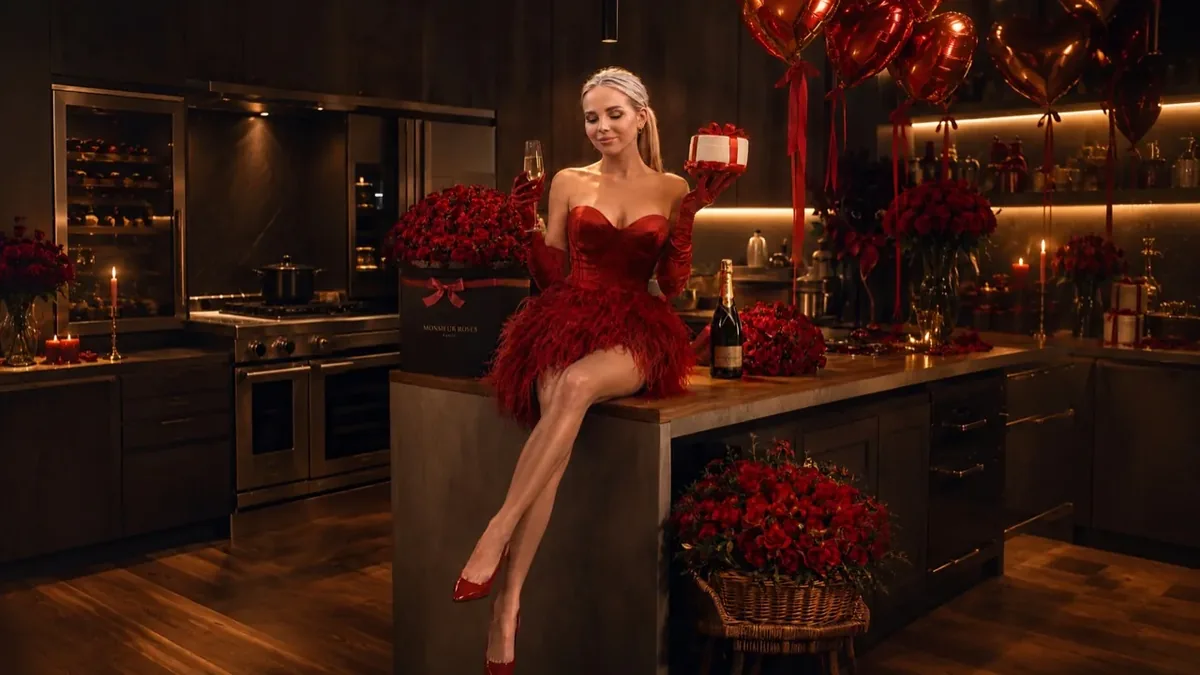
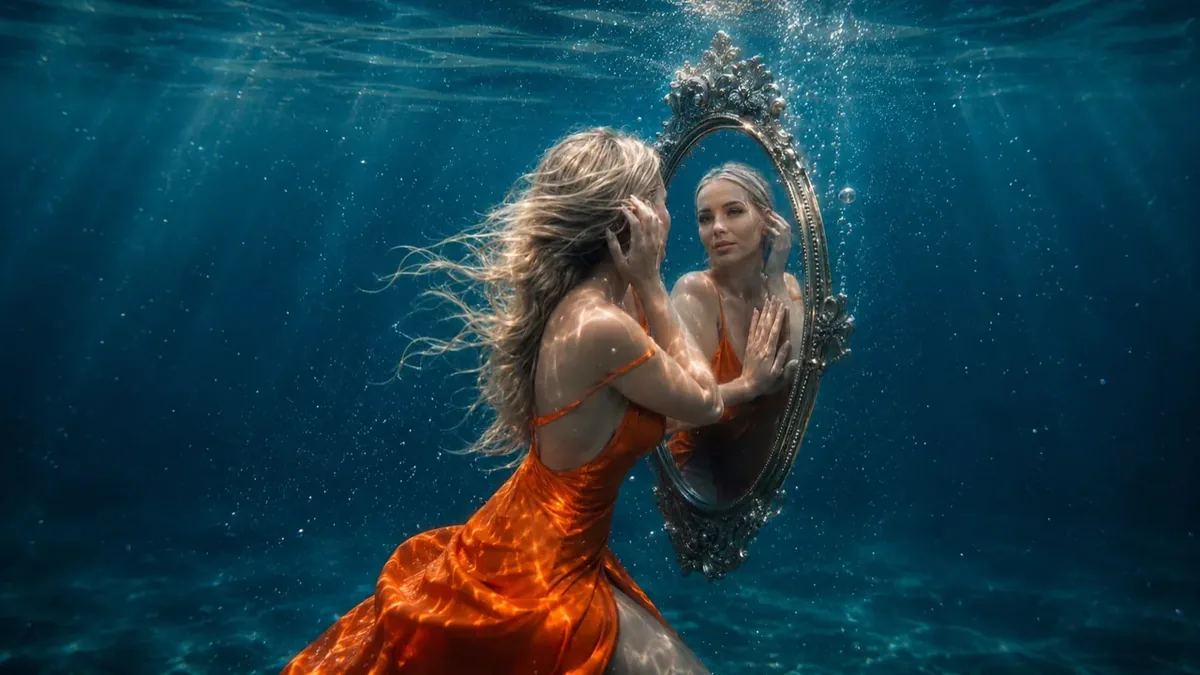
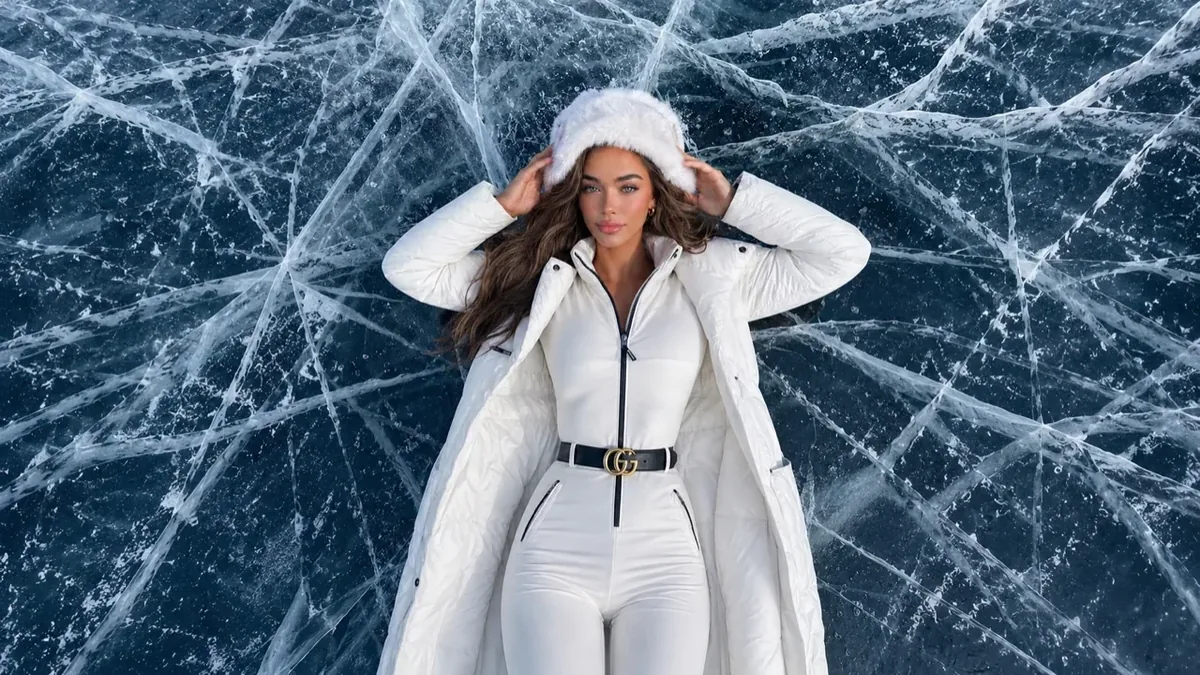
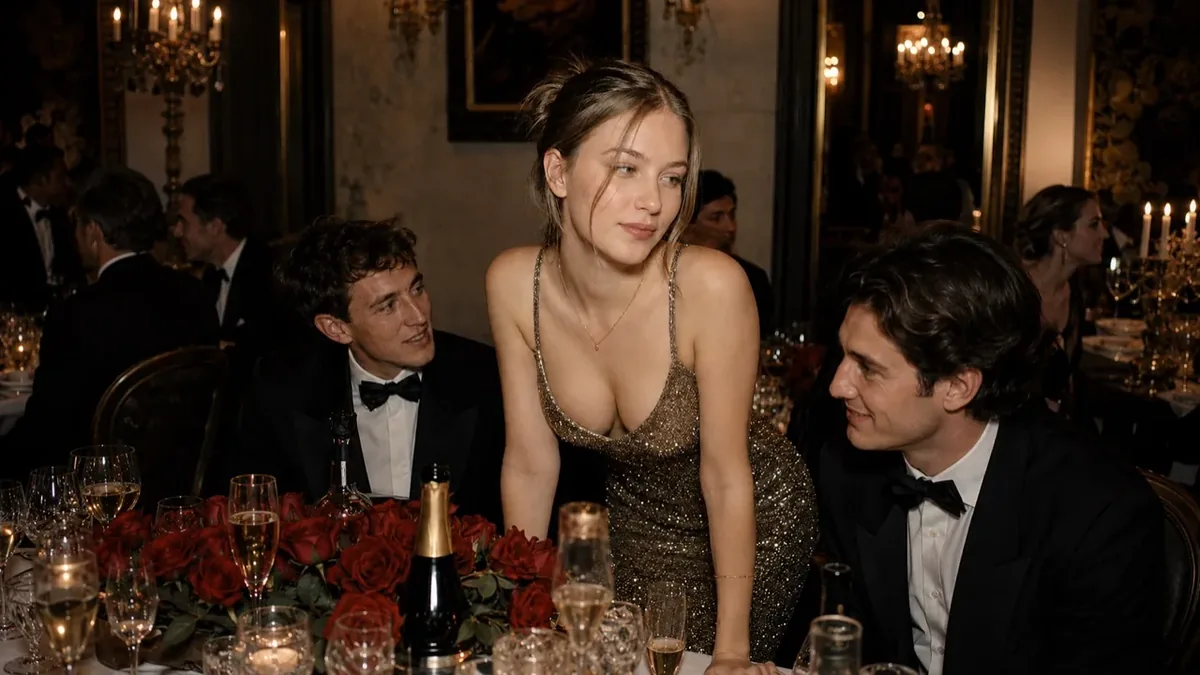
Advanced AI models.
For photos, videos and your ideas.
At an affordable price.
Create from scratch. Change the details.
Find new images.
 CREATED WITH AI
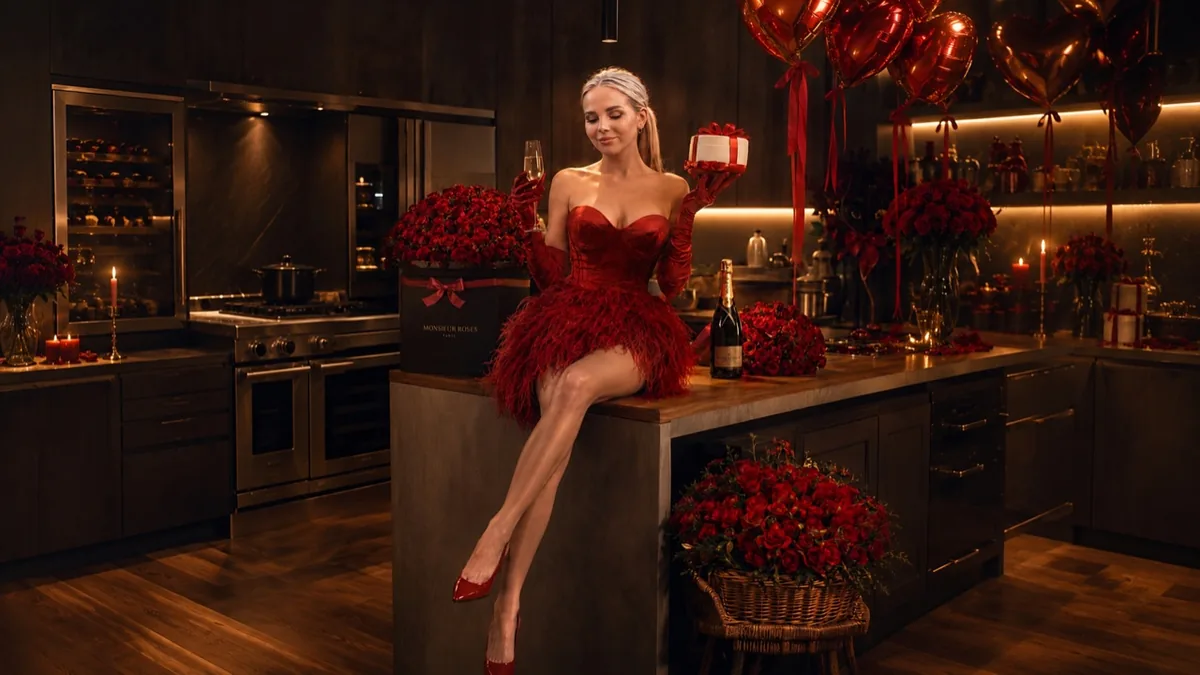
Cinema, advertising or story from photography. Set the scene - choose a model.
Create a videoTexts, scripts, analysis and answers. With the right model at hand.
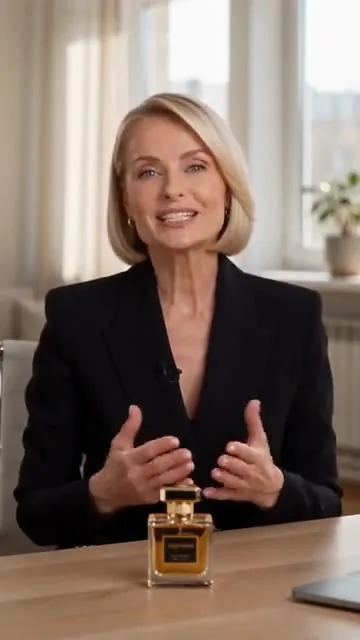
Choose a model01 - A morning that you want to extend.
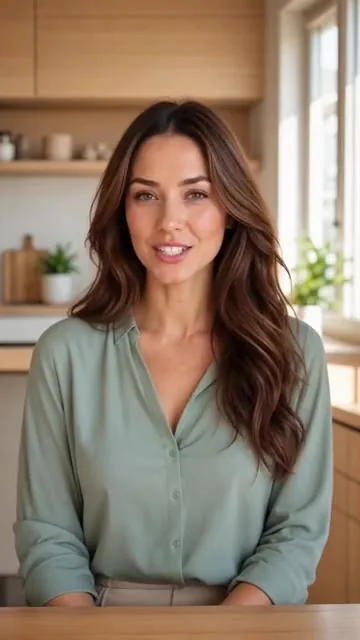
02 - Your favorite place between tasks.
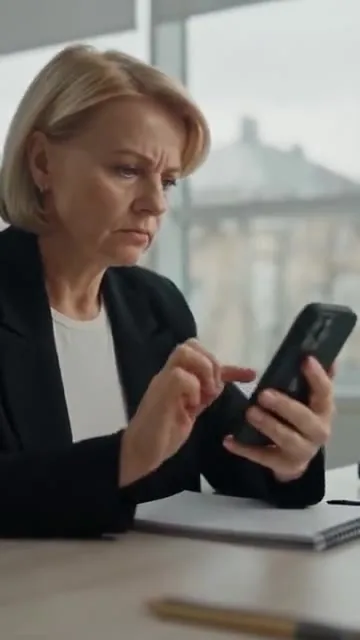
03 — A little reason to meet.
Create images, videos and advertisements.
Edit finished videos - from your phone or PC.
Change heroes while maintaining your story.
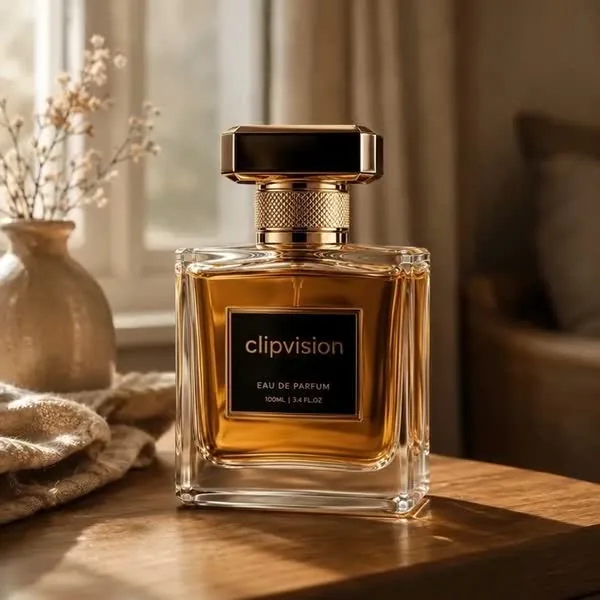
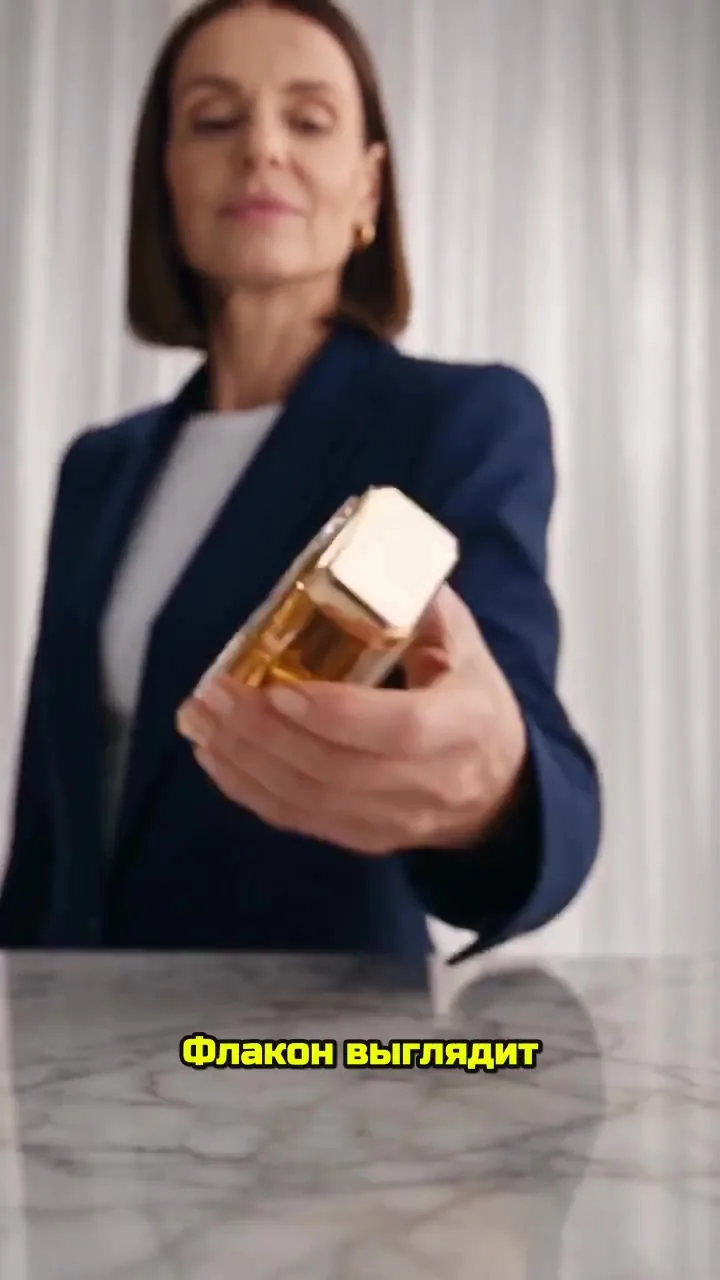
Turn your product into a story.
Prepare your post for publication.
Give your materials a new look.
Analogue Higgsfield Genjutsu
via Seedance 2.5.
Replace selected characters based on photos. Before generating, agree on who we are replacing with whom.
Try Genjutsu Your video + photos of heroesFor videos with up to 6 different people.
Change the main characters while keeping the others in the frame.
There is no need to collect tools from different services.
Ready-made script or favorite model.
Photo, video or description. The cost is visible before launch.
Monitor the status and download the finished work.
No. Start with the preset mode and follow the steps. If you want to control generation yourself, open the model catalog.
The cost is shown in the settings before launch and depends on the selected model, duration, quality and other parameters. For individual tasks, an estimated amount is displayed. Payment terms are indicated in the selected mode.
On a computer in the web studio, on a phone - in the Telegram or MAX mini-application. Choose a convenient login method.
In Reels studio you can add captions, select short fragments, replace voices, remove pauses, translate speech and prepare covers and texts for publication.
Open the section with your tasks: there you can monitor the processing and get the result. The availability period depends on the result - download the necessary files after completion.
Every idea has its own author.
Each author has his own story with ClipVision.
Photos, videos and advertising -
where you communicate.
I chose an image, added my photo - and it turned out exactly the mood I wanted. I especially enjoyed trying different styles.
Review exampleThe most interesting thing is to see a familiar video with new characters. It’s great that before the launch we can agree on who we are changing to whom.
Review exampleIt’s convenient that advertising starts with my product and idea. Everything is collected step by step, you don’t need to keep a whole scheme of work in your head.
Review exampleI added captions to the spoken video - it became much more convenient to watch without sound. Nice final touch before publishing.
Review exampleI come with a crude idea and leave with a clear plan. I like that you can choose a model for a specific task.
Review exampleIt’s more convenient for me to work directly from the messenger. The idea appeared - I open a studio, add materials and start.
Review exampleIt’s nice that you can not only come up with a picture from scratch, but also change details in an already finished one. It is very convenient to find the desired image.
Review exampleI liked choosing a voice and listening to an example before launching. This makes it much easier to imagine what the finished commercial will be like.
Review exampleIt is convenient to select completed fragments from a long post for short publications. I like that I don't have to start editing from scratch.
Review exampleSometimes you just want to try a beautiful effect. I choose a ready-made idea, add a photo - and there is already a clear starting point.
Review exampleI like to collect several design options from the same materials. This makes it easier to understand which mood suits the brand best.
Review exampleIt is convenient to work with materials and settings on a computer. It’s good when models and ready-made modes are in the same space.
Review exampleI listened to the examples and chose a voice to suit the mood of the video. Such a small change in presentation significantly changes the impression of the video.
Review exampleI really like the moment when a static idea begins to move. You can describe the scene in your own words and try different options.
Review exampleIt’s convenient to work with photos of your product and look for a suitable presentation. All attention can be left on the product itself and its details.
Review exampleI liked that you can start with your materials and choose the video format. The process is understandable even without experience in video production.
Review exampleIt’s good when translation and video work are collected side by side. It’s easier for me to prepare material for another audience in one mode.
Review exampleI like to try on unusual images from one photo. Here it is interesting not only to get results, but also to look for new ideas for yourself.
Review exampleAfter shooting, you want to quickly bring the video to a neat look. I like that the necessary tools are collected in one section.
Review exampleI use the chat as a partner in ideas: I discuss the presentation, clarify the wording and compare options. Convenient for creative work.
Review exampleSeparate selections for small stage and crowd help avoid confusion. I liked that the selection of heroes is shown as a separate stage.
Review exampleIn conversational videos, I like a more collected pace. It’s convenient to set pauses separately and not have to redo the entire video manually.
Review exampleIt’s nice when you can immediately prepare a visual design for a video. Several options help you choose the most suitable one.
Review exampleFor me, the main thing is to start without unnecessary transitions. In a familiar messenger, opening a studio and returning to a task is especially convenient.
Review exampleWhen you don’t know what to write in a request, examples help a lot. You immediately see the direction and imagine yourself in a new video.
Review exampleI like consistency: materials, text, voice, format. Following these steps makes it much easier to prepare your first commercial.
Review exampleIt's great to change the background and mood of a photo while maintaining the original idea. Especially useful for finding the visual direction of a project.
Review exampleAfter the finished video, I want to calmly start publishing. I like it when the ideas for the title, description and cover are collected side by side.
Review exampleWith the captions, the video became clearer from the first seconds. Now I perceive them as part of the design, and not just text on top of the video.
Review exampleIt is convenient to choose a tool according to the task and budget. When images, videos, and chat are close together, it's much easier to try new ideas.
Review examplePhoto. Video. Advertising. Your next idea.
Open studio on your computer
or start in your usual messenger.