











Product without distortion
Shape, color, material, texture, logos and markings are preserved.
The script turns a regular source file into a neat product photo. The product fits completely within the frame, takes up 80–90% of the image and retains the actual logos, material and design.
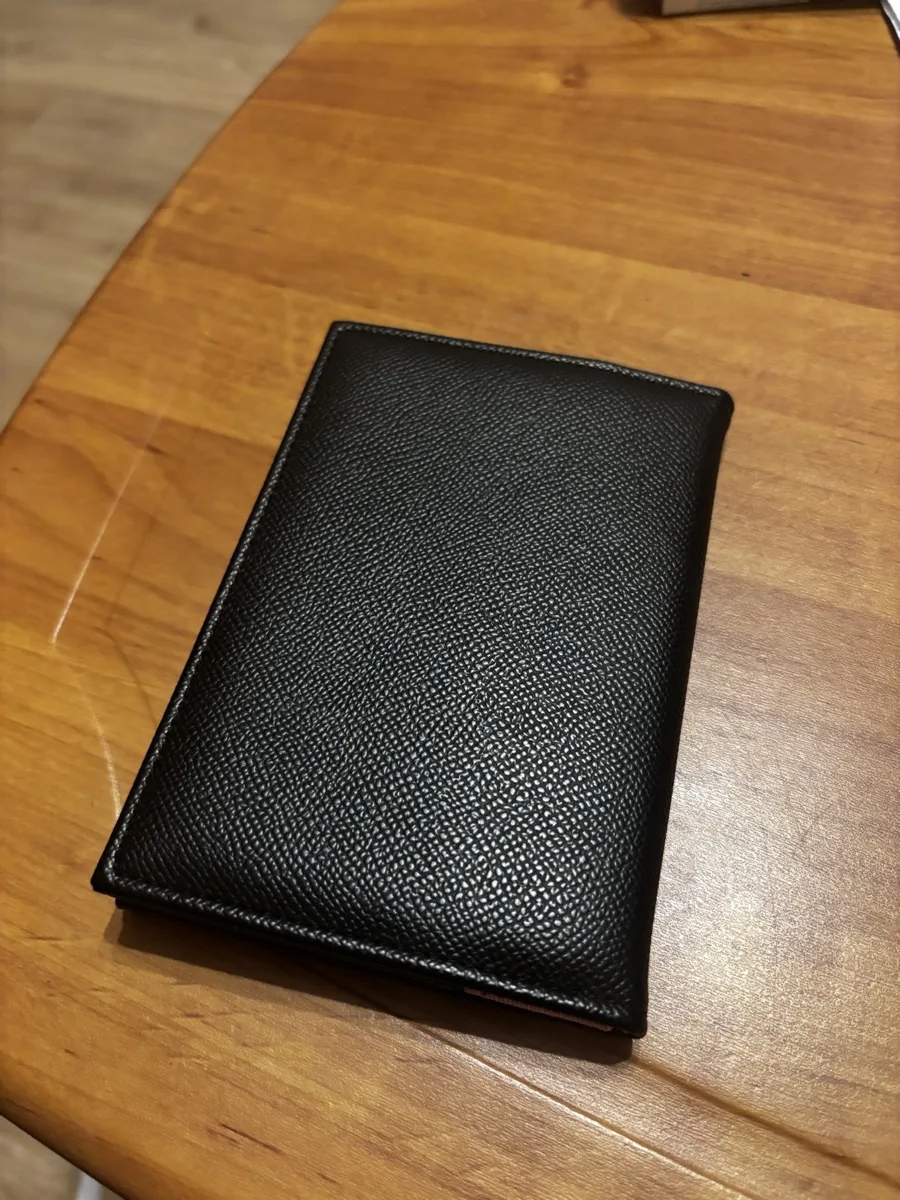
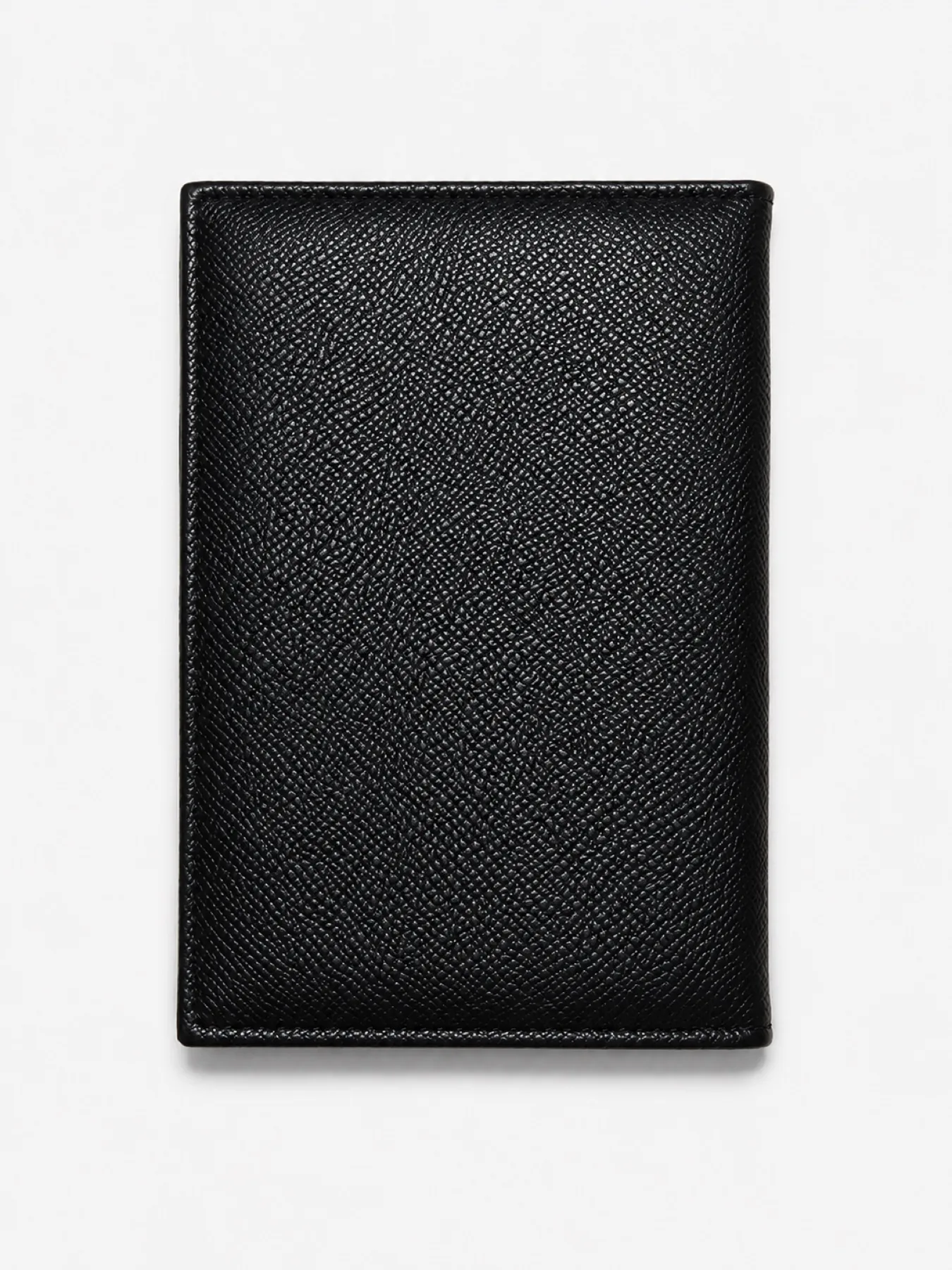
Shape, color, material, texture, logos and markings are preserved.
The product takes up most of the frame, but is not cut off at the edges.
The clean background and soft shadow are suitable for further infographics and designs.
The user does not need to select a model or edit the query. The prompt is shown here so that you can evaluate the accuracy of the processing.
Prepare the original product image as the main photo of the card on the marketplace. Preserve the exact shape, proportions, color, material, texture, design details, original logos, markings and inscriptions of the product. Do not redraw or change the inscriptions. Show the product in full, without cropping, evenly and from the most informative angle. Place it in the center. The product should occupy approximately 80–90% of the image, maintaining small safe margins around the edges. Use a clean, flat, neutral background, soft studio lighting, and natural contact shadow. Do not restore invisible parts of the product. Don't add text, infographics, frames, stickers, new logos, or decorative objects.
Open the finished script, load the source image and start generation.
Open in MAXOpen in Telegram