











All objects in the frame
Each loaded element must appear in the result exactly once.
Upload a separate photo of each item - ClipVision will assemble the set against a neutral background, maintaining the exact shape and adding each item exactly once.
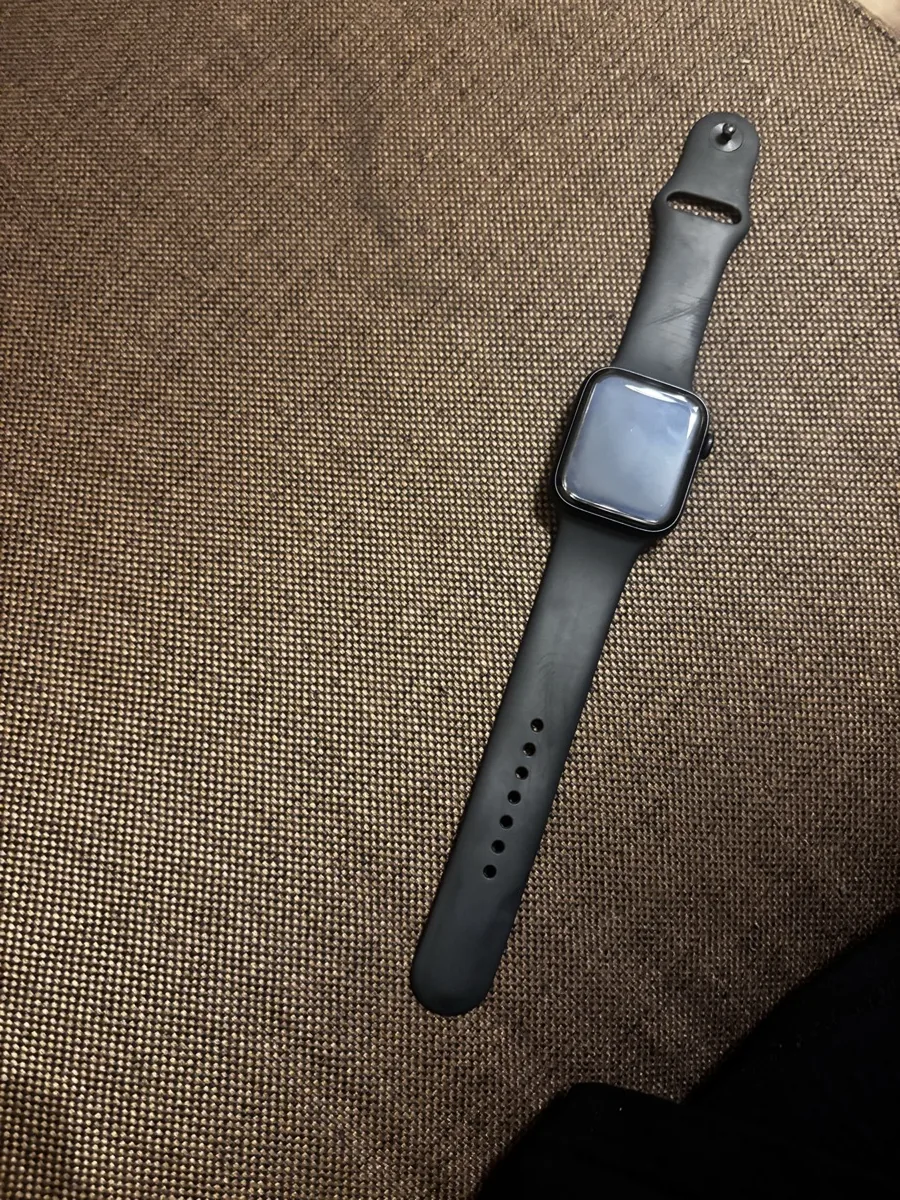
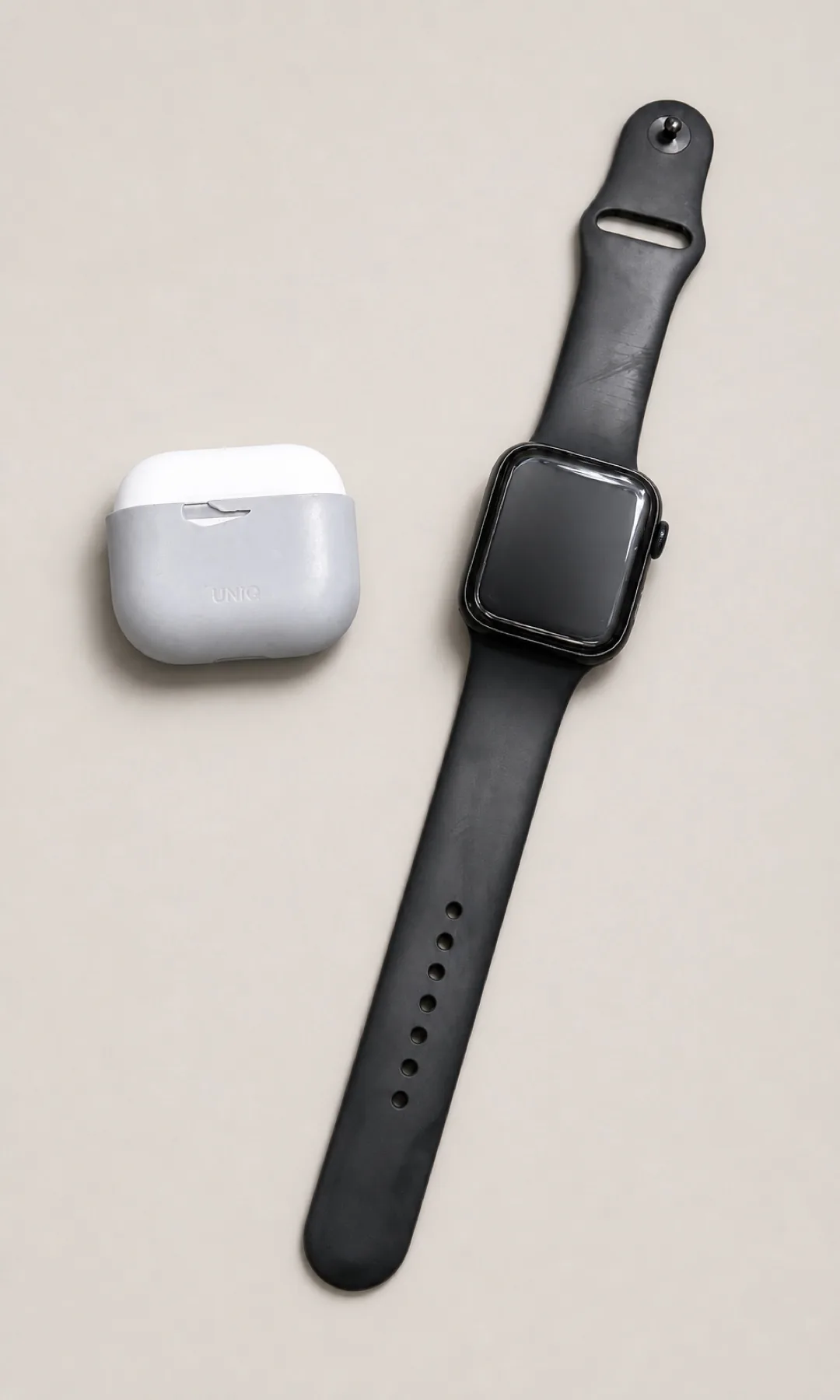
Each loaded element must appear in the result exactly once.
The main product is in the center, additional elements are located nearby.
You can assemble a complex set of individual photographs without manual subject photography.
The user does not need to select a model or edit the query. The prompt is shown here so that you can evaluate the accuracy of the processing.
Create a product photograph of a complete set of goods for the marketplace card. Use all loaded items. Each object must appear in the image exactly once. Do not add items that are not in the original photos or remove items from the kit. Preserve the exact shape, color, proportions, material, logos, markings and design details of each item. Carefully position the set against a clean, neutral background. Place the main item in the center, additional elements nearby in a clear and visually balanced composition. All objects must fit completely within the frame and not overlap important details of each other. Add soft studio lighting and natural contact shadows. No packaging fillers, hands, text, signatures, arrows, infographics or decorative items.
Open the finished script, load the source image and start generation.
Open in MAXOpen in Telegram