














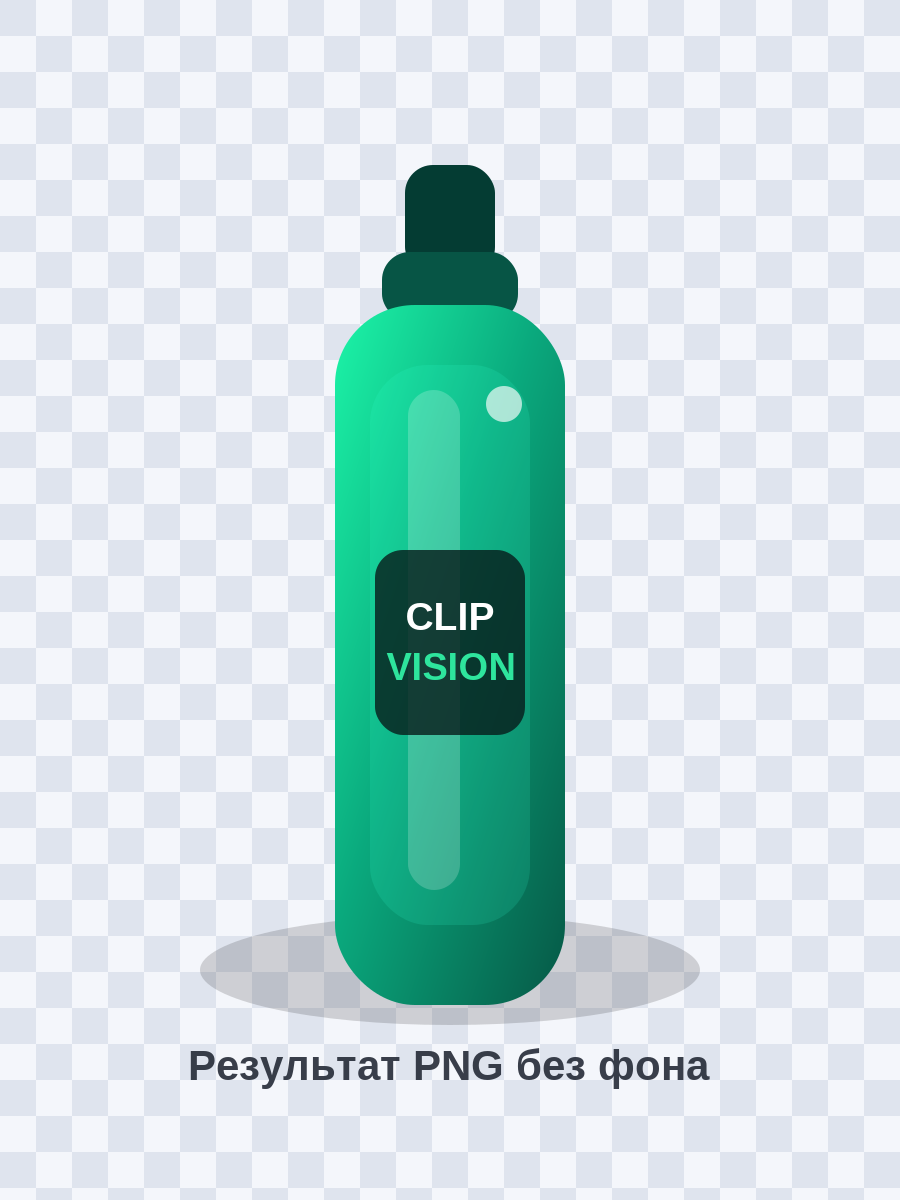
Create a product card for the marketplace: [product] in the center of the frame, clean light background, realistic soft shadow, exact shape and material, no unnecessary objects, 4:5 format.
AI tools for product listings and marketplace photos
In the ClipVision mini-application you can make a 1–3 photo of a product from a single image or collect a series of 5–10 frames for a card. For a series, you will need photographs of the same product from the sides that you want to show to the buyer.
How to make a cover or a series of product photos?
In the ClipVision mini-application, open “AI-studio” → “Ads and design” → “Sales photo for the marketplace”. Choose how many shots you want for the card.
- “Quick photos” - from 1 to 3 frames. Upload one product photo from your device or select it from chat. You can order a general view, a large part and a product in use. For the cover, start with main product photo.
- “Series for the site” - from 5 to 10 frames. Select Wildberries, Ozon, Avito or Yandex Market. Add photos of the product from different sides and mark the required angles. If you need a back view or a close-up of the clasp, attach a photo where these details are visible.
How is a trial shot paid? In series mode, you can first pay for one frame and see the result. If you include a finished test frame in a series for the same site with the same source files, payment will only be required for the remaining frames. You will see the total amount before starting.
Thermal mug for Ozon - source file and five frames
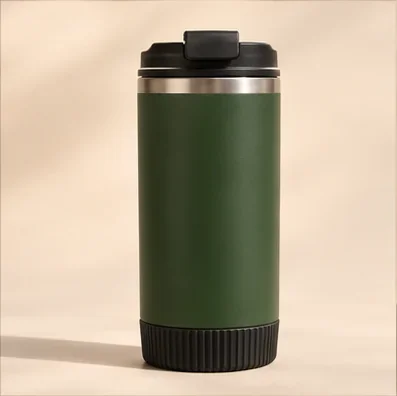
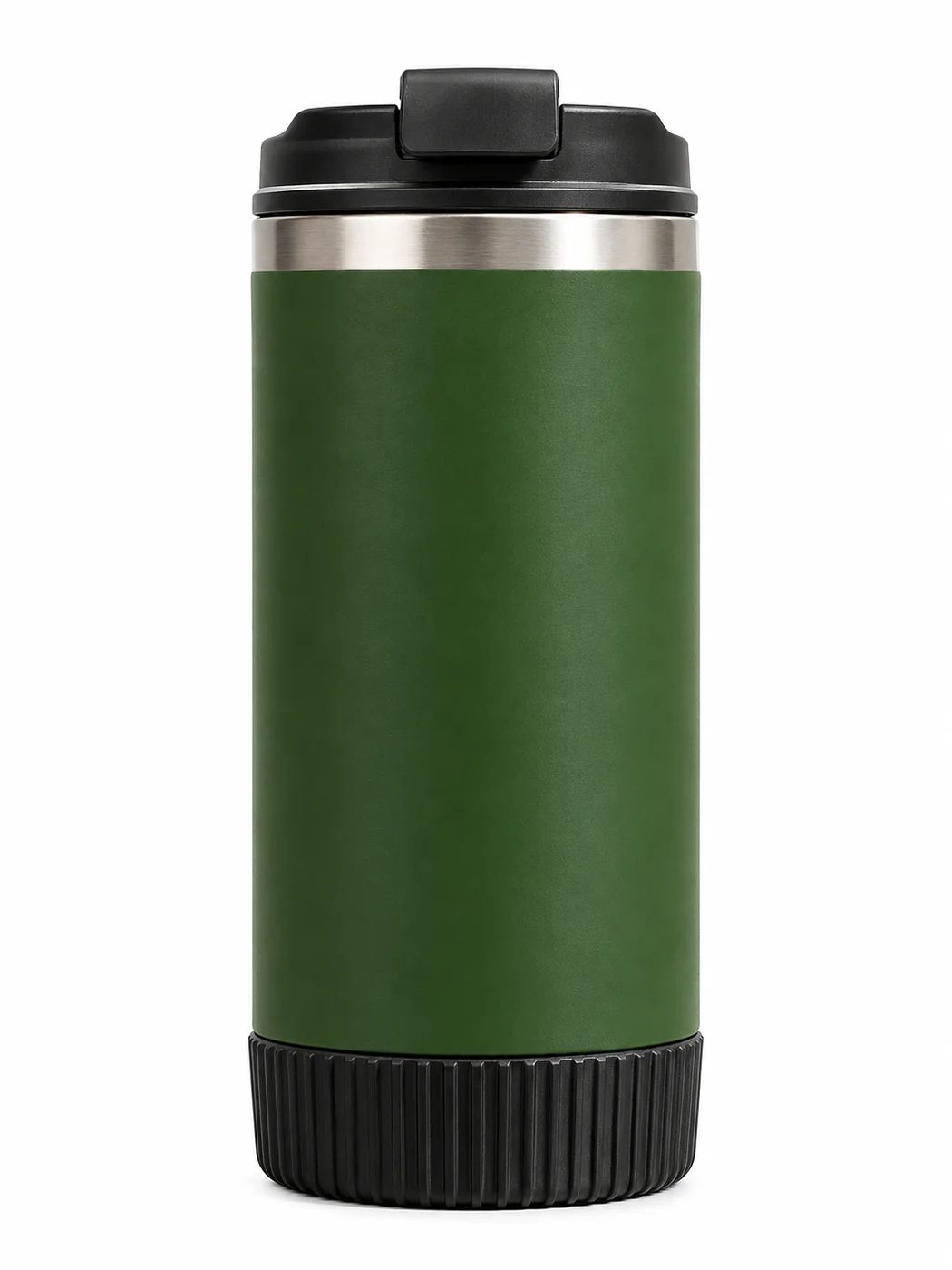
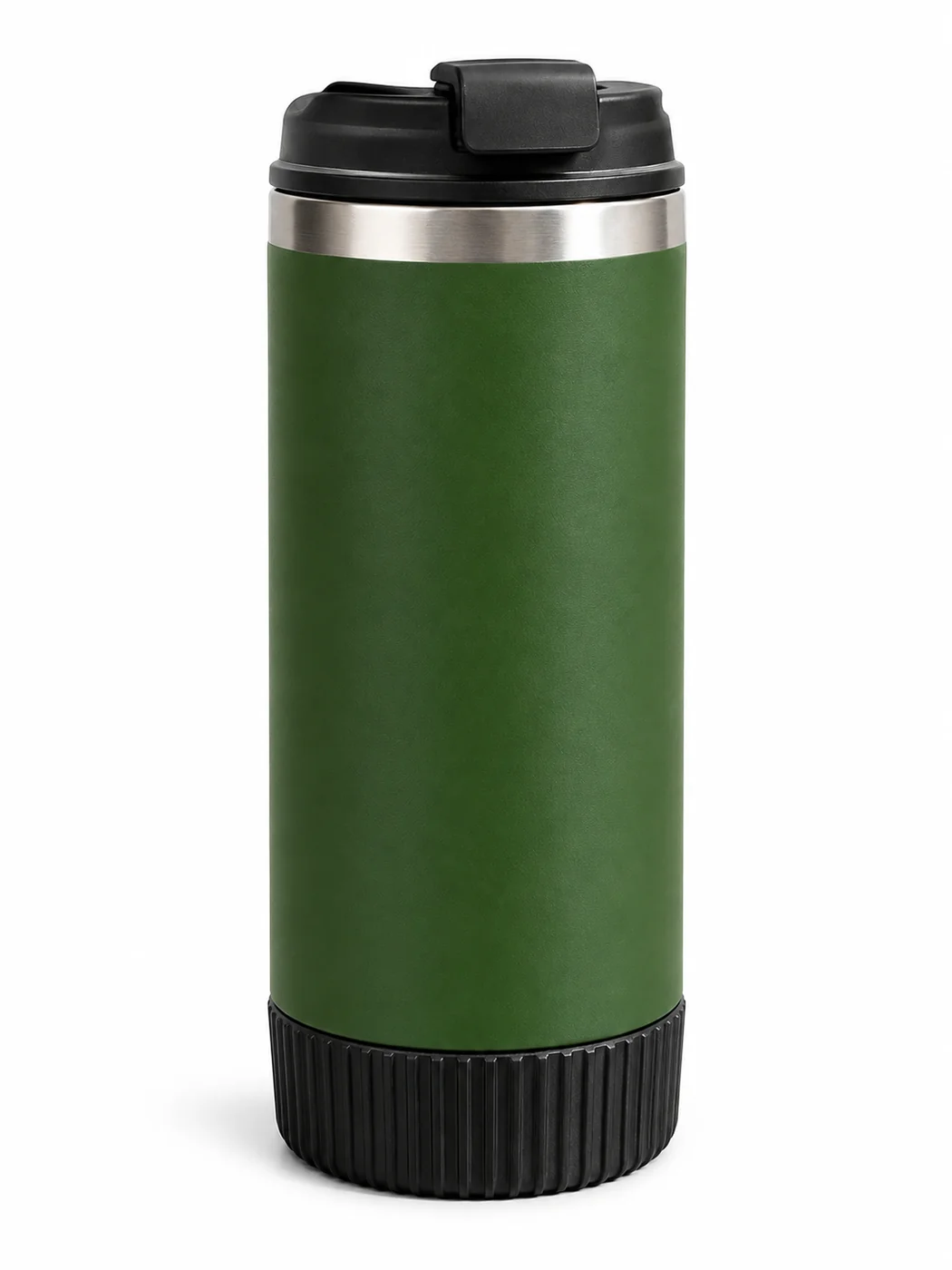
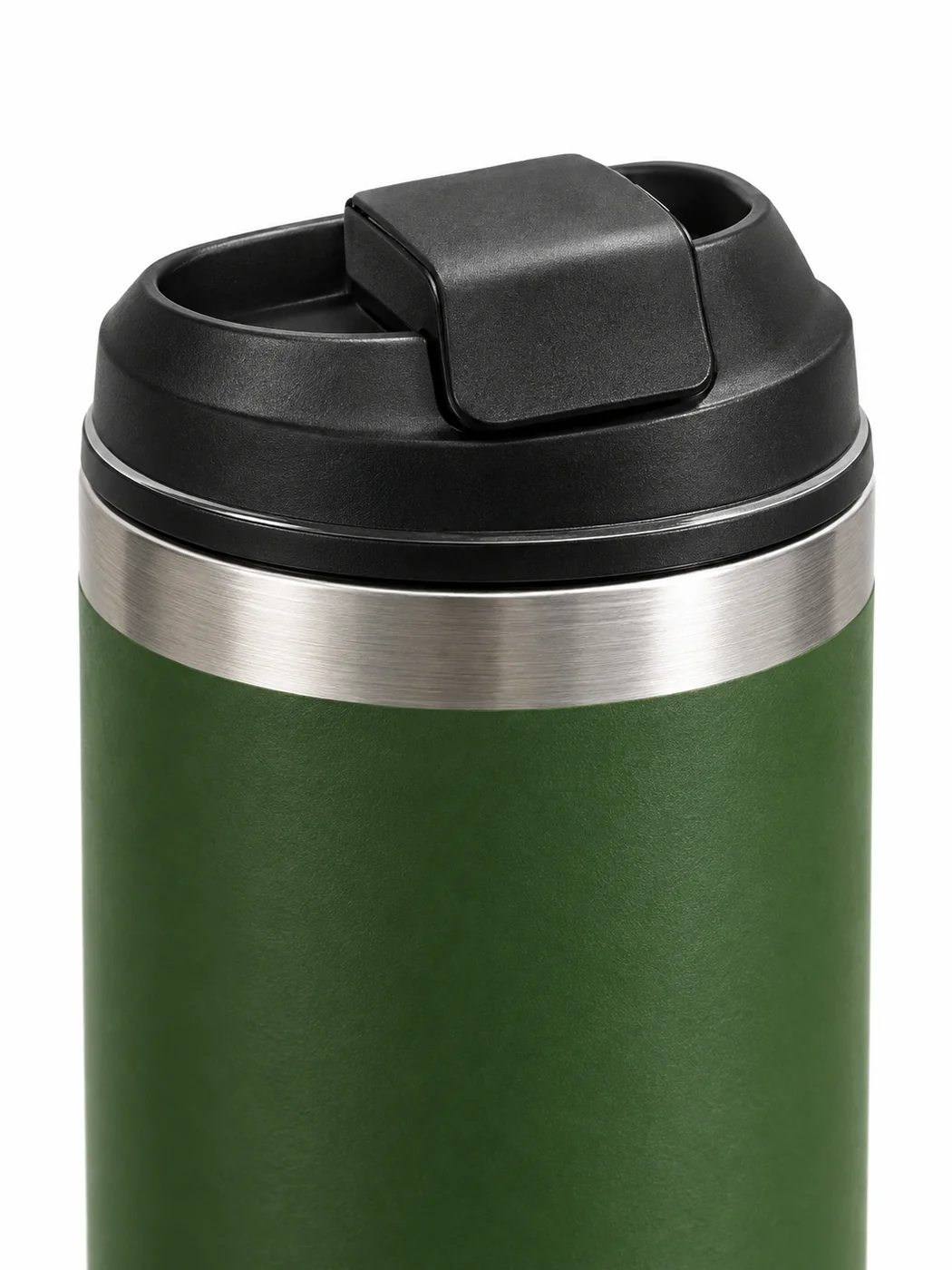
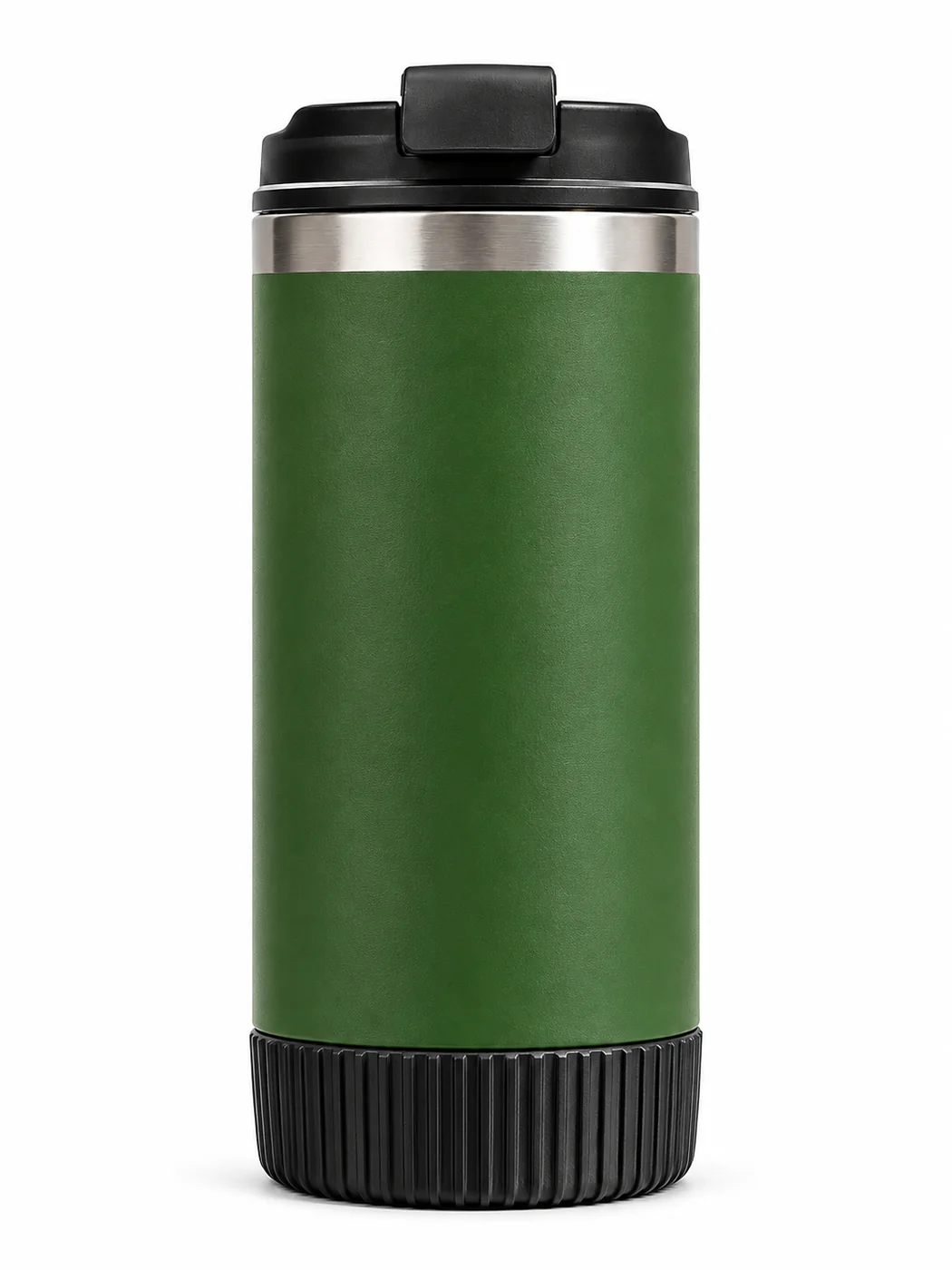
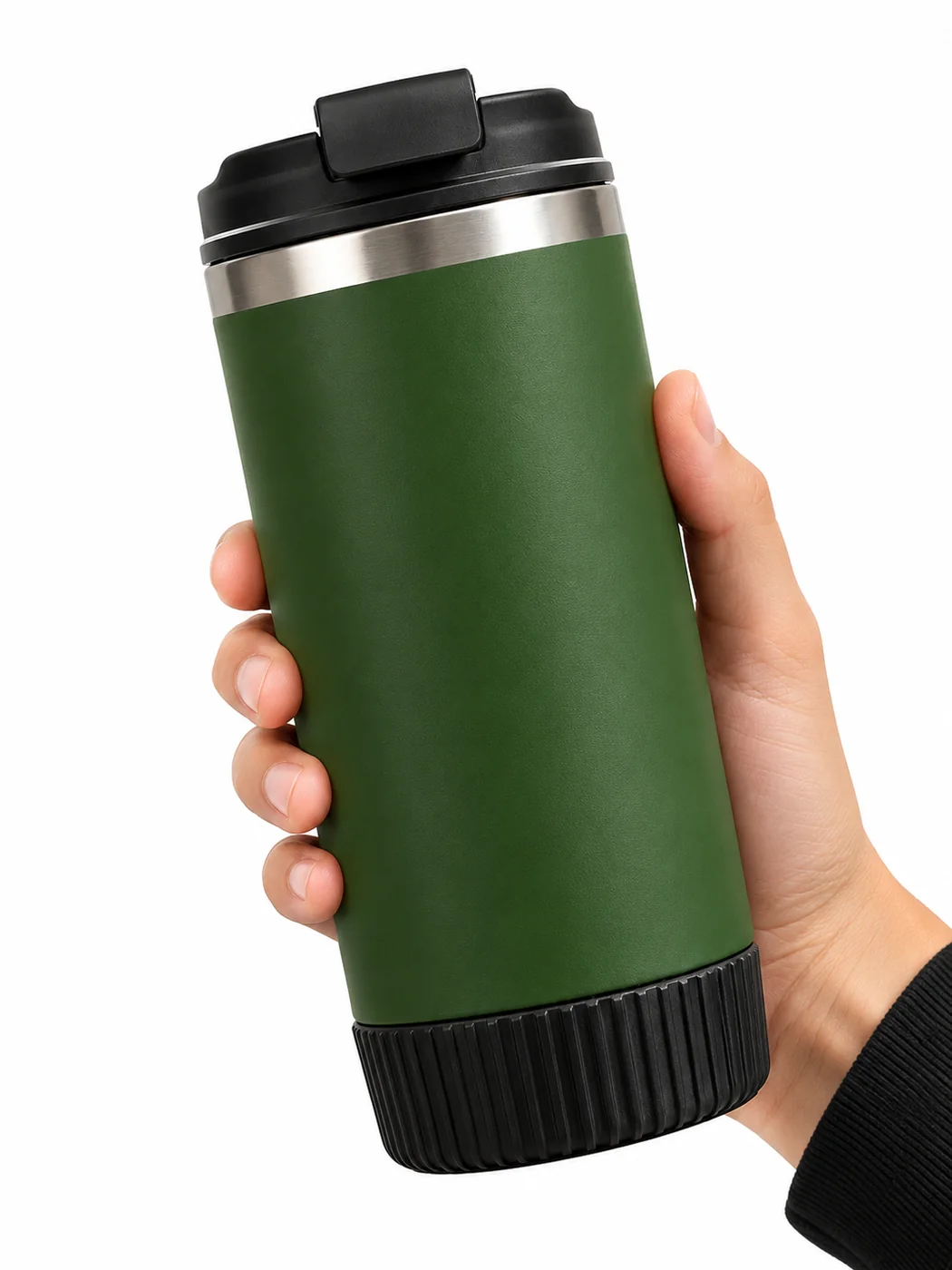
For the editorial test, we took a demo image of a green thermal mug from the ClipVision mini-application. First we made the cover. For the next four frames we used the original file and the finished cover as a style reference. Click on any photo to view details.
Other angles
How to repeat with your product
Open Site Series, select Ozon and upload photos of your product. To try it out, select “Cover.” After checking the photo, include it in the series and select the remaining angles. To preserve lighting and background, mark your finished sample as a style sample.
This example uses GPT Image 2, quality 1K, and vertical format 3:4. According to the tariff ClipVision on 22 November 2026, a trial frame cost 6 ₽, four more - 24 ₽. Total for five frames according to this calculation is 30 ₽. The current price is visible before launch.
The “Texture” switch itself did not produce macro. If it is important for the buyer to see the coating, shoot the surface closely and add this frame to the source files. Before publishing, check the shade of the case and the shape of the valve with the product itself.
What is important in a product card
The main mistake in product prompts is to ask “beautifully” without restrictions. For the marketplace, accuracy is more important: product shape, material, logo, scale, absence of unnecessary details and readable composition.
Shoot the actual product in diffused light. Separately photograph the markings, texture and contents of the kit. After generation, compare these details with the source files, especially if the background and lighting have changed noticeably.
Models
Which models are suitable for manual edits?
If you want to change the background yourself, remove a distracting object, or add an inscription, select a model for a specific edit.
Prompts
Ready wording
Replace the square brackets with product, material, site, and brand style.
Take a premium lifestyle photo of the product: [product] on [surface], natural light, minimal expensive props, realistic reflections, space for the title, without distorting the logo.
Improve the original product photo: preserve the shape, color and logo, remove visual noise, straighten the background, add a neat shadow and prepare the result for the product card.
Before publication
Check the card according to three points
The neural network speeds up preparation, but final control remains mandatory.
Check the shape, color, material, configuration, logo and markings with the source file. The generation should not promise the buyer something that is not included.
Check the current marketplace requirements for aspect ratio, background, margins, and text. It is better to adapt one master file separately for each site.
Use the same light, scale, and color palette for all card images. This makes the product look more professional, and the benefits are read faster.
Launch product card
In the widget, open “Marketplace Sales Photo” in the “Ads and Design” section and add photos of your product.
Open in MAXOpen in TelegramMore prompts