











GPT: AI chat in ClipVision ↗
Assistant for text, planning and programming. Select the GPT model for the complexity of the task, add context and set the response format.
23 model and tool for images, 22 for video and 18 models AI chat. Features, query examples, and transition to working on a computer, in Telegram or MAX.
Creation from scratch, editing, background removal, enlargement and vectorization.
Generation and quick edits
Text and storage of details
Precise edits guided by reference images
Clean fast visuals
Stylization and composition
Fast realistic footage
Universal generation
Detailed creatives
Flexible image processing
Art, concepts and advertising
Inexpensive creatives
Accurate generations and edits

Fast image generation
Atmospheric scenes and ideas
Text, typography and editing
Text and Visual Layouts
Premium Images
Editing by Image
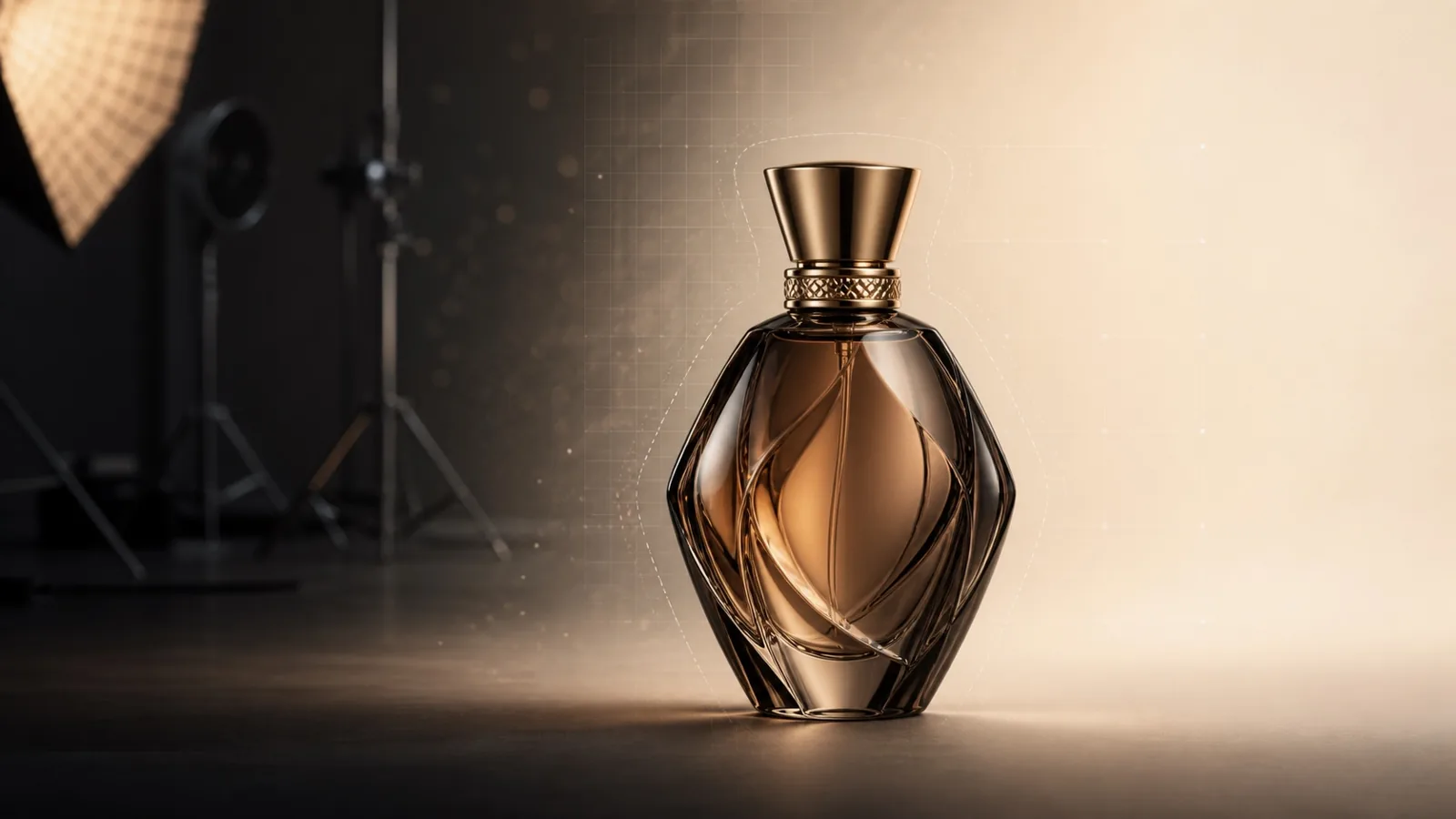
Products and blank clippings
Intelligent finishing
Clarity and restoration
More resolution and detail
SVG for logos and icons
Early version page: GPT Image 1. Current options for launching: GPT Image 1.5 and GPT Image 2.
Generation from description and source files, motion transfer, transitions and quality improvement.
Cinematic videos

References, videos and exact script
Dynamic short videos
Expressive camera movement
Highly detailed scenes
Motion control from video
Film language and complex scenes
Videos up to 30 seconds with sound
Smooth stories and movement
Photo into an expressive video
Scenes with quick results
Regular content
Up to 15 seconds and 1080p
Creative videos
Quick videos with description
Effects, Reels and trends
Movement and stylization
Frame transition
Premium realism
Fast high quality videos
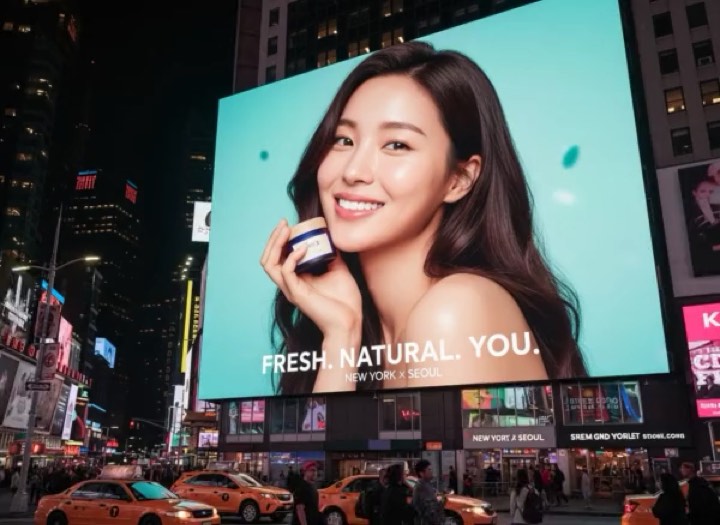
Adapting a video to a new format
Improved clarity and resolution
Compare options within each family. This is a ClipVision chat with access to models, and not subscriptions to the services of their developers.
Assistant for text, planning and programming. Select the GPT model for the complexity of the task, add context and set the response format.
Claude models for working with documents, long answers and complex text problems. Separate the material, the question and the requirements for the result.
Chat models Gemini for structured answers and work with materials. The Pro or Flash option is selected within the AI chat, separate from the generation of videos and images.
Grok text models for discussing ideas, analysis, and code. Formulate the problem and constraints so that the answer is useful for a specific job.
Qwen chat models for multilingual tasks, work texts and programming. Provide language, audience, and an example of the desired outcome.
DeepSeek models for technical issues, programming and text analysis. Attach the initial conditions and describe the expected result.
Mistral model for correspondence, structured texts and work replies. Convey message purpose, context, and tone boundaries.
GLM for word problems and analysis of available attachments. Ask specific questions about an image or document instead of a general request to evaluate everything at once.
In the AI studio you can put together an advertisement for a product or website, a video with a presenter and a subject video. You don't have to choose a separate model for this.
Select an advertising tool ↗