











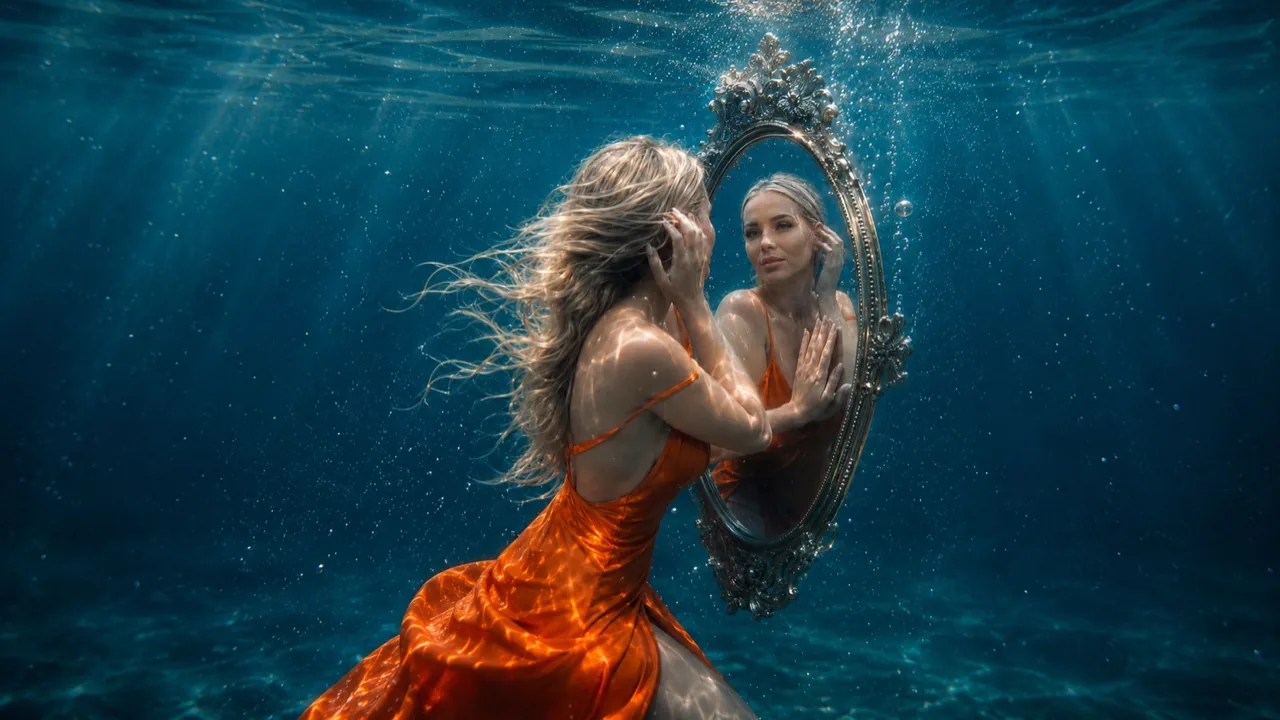
 IMAGE
Frame without borders
New images, unusual locations and visuals according to your description.
Photo toolsAI BOT CLIPVISION TO MAX
Bring your photos to life, create new images and commercials. Popular neural networks and ready-made tools from AI studio in one mini-application.
Your idea. New frame.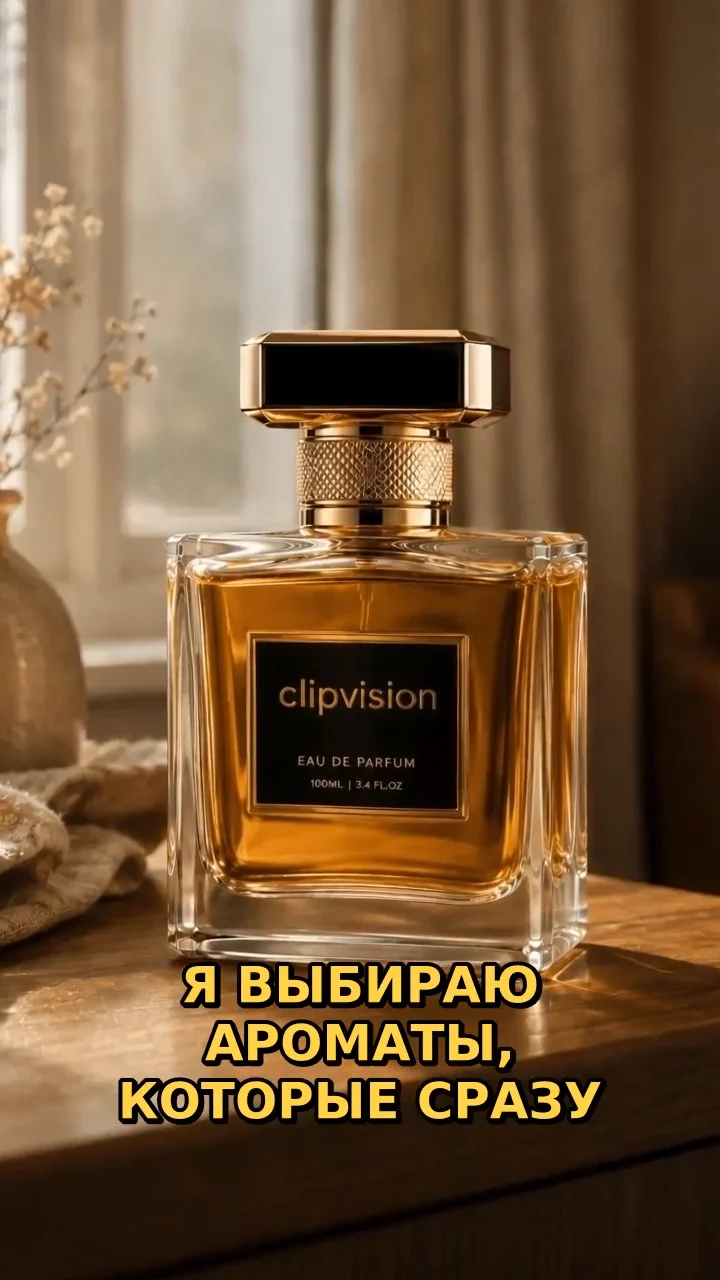 Your product. Your own advertising.
BUSINESS OPPORTUNITIES
Real examples from ClipVision.
For your ideas, content and business.
IMAGENew images, unusual locations and visuals according to your description.
Photo toolsSubject advertising, UGC, talking avatars and videos about the site.
Features of AI studioFailed to load video. Refresh the page and try again.
TRY YOUR IDEA
One photo, a little movement and a new video. Start in the ClipVision widget—no need to install a separate editor.
Open ClipVision to MAX Instructions and examples of promptsGo to the ClipVision bot and launch the application from its menu. If the link opened in your browser, continue to MAX.
In the video models section, select a model with an image upload. Add a clear photo and describe one action: blinking, turning your head, or slowly zooming in on the camera.
Select the available duration and format. After generation, open the result, check the details and download the video.
Open your conversation with the ClipVision bot in MAX to find the finished file. To check its status, open Recent requests («Последние запросы») in the mini app. Ready means the video has finished rendering. Delivered means the file has been sent to the chat.
If delivery is delayed and the task shows «Отправить ещё раз» (Send again), tap it to resend the same file. This does not start another generation or incur another charge.
Watch a five-second video made from one photo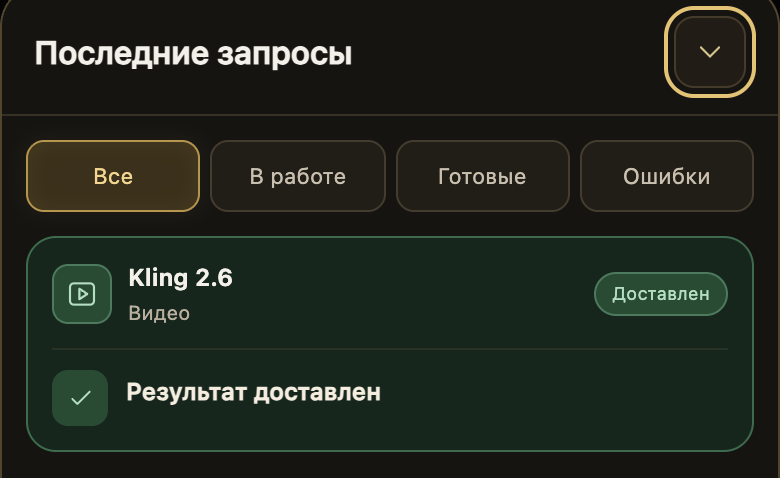
CLEAR PAYMENT
Top up your balance in rubles. The cost depends on the model, duration and settings: you will see the exact amount before starting.
You can open a bot for free. Creation of photos and videos is paid separately.
How the cost worksClipVision is a mini-application in MAX for generating and processing photos and videos. It opens inside the messenger and does not require a separate application or VPN.
You can create images, animate photos, generate videos, change the background and format, improve quality and use ready-made scripts.
No. The user tops up a single balance in rubles and sees the cost of a specific task before the launch is confirmed.
ClipVision is also available in Telegram and in the browser on your computer. The range of functions and current parameters should be checked in the selected interface.
In Recent requests, find the task with the file size message and tap «Открыть результат» (Open result). You can download the video from the task.
YOUR NEXT IDEA
Is it more convenient otherwise? Open in Telegram · On the computer