











From text or reference
Create photorealistic images, illustrations and advertising scenes in the desired format.
Generate images based on description and change ready-made photos. Select a model and see examples.

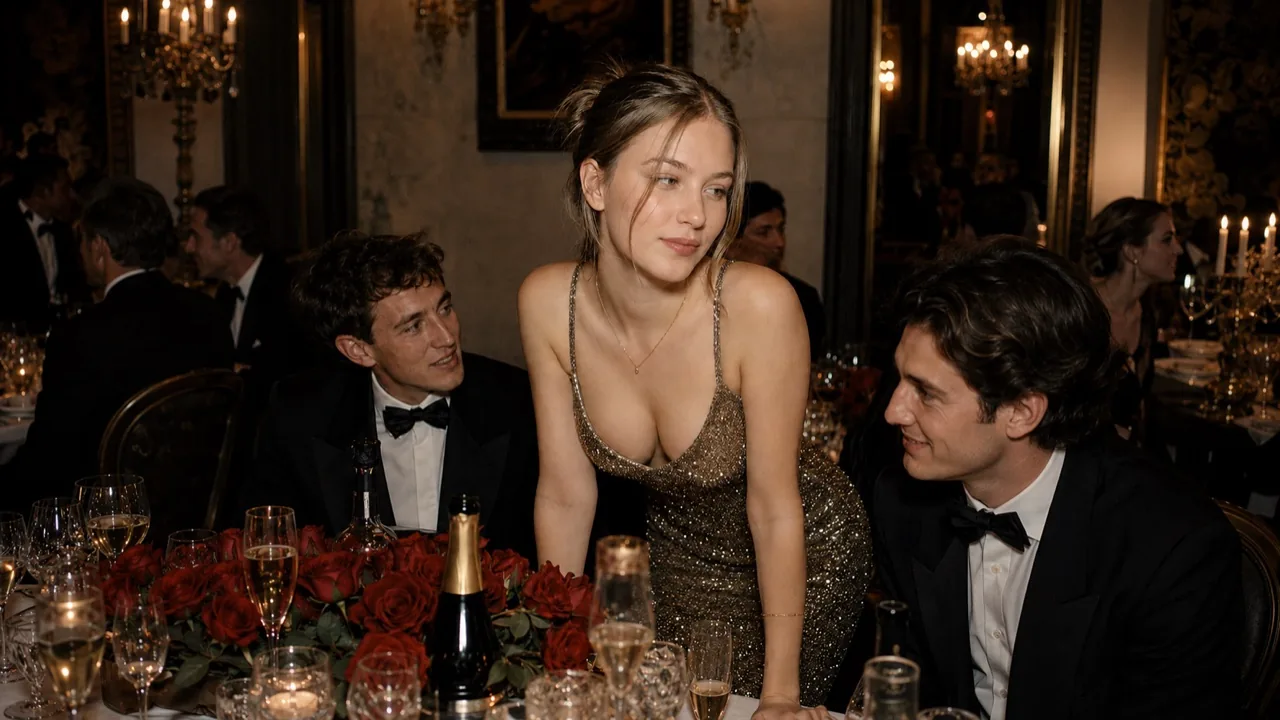
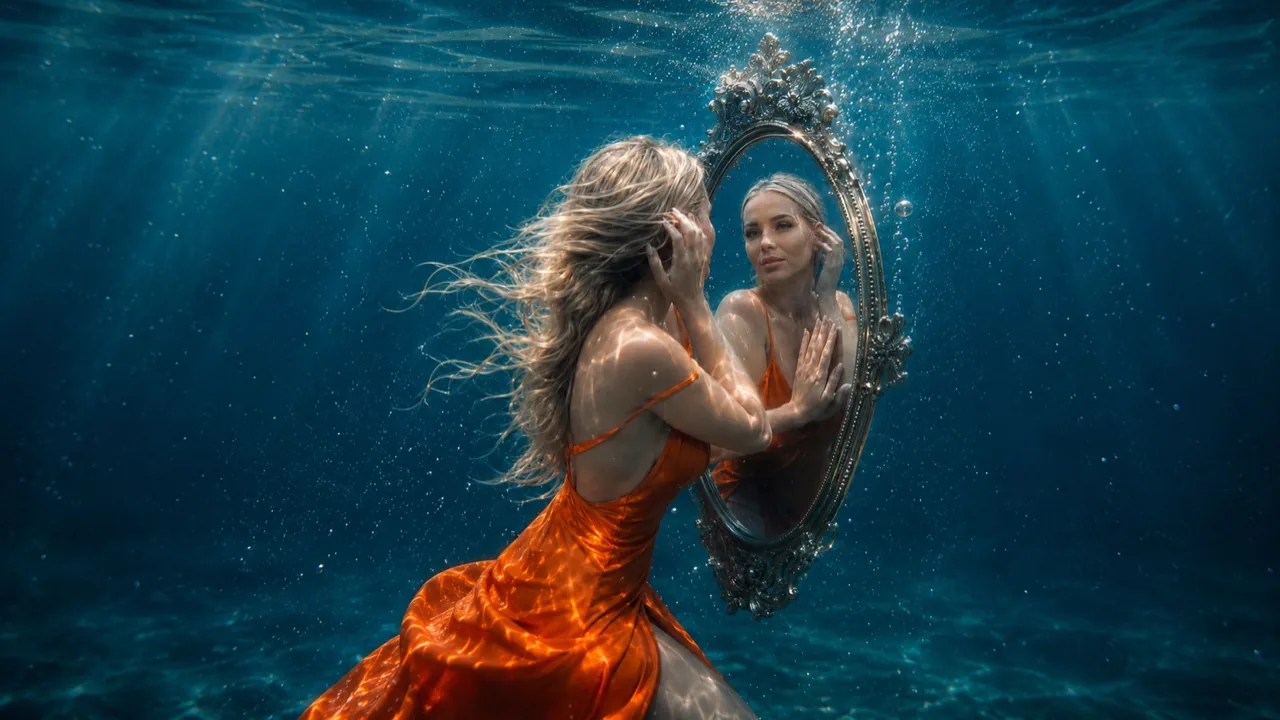
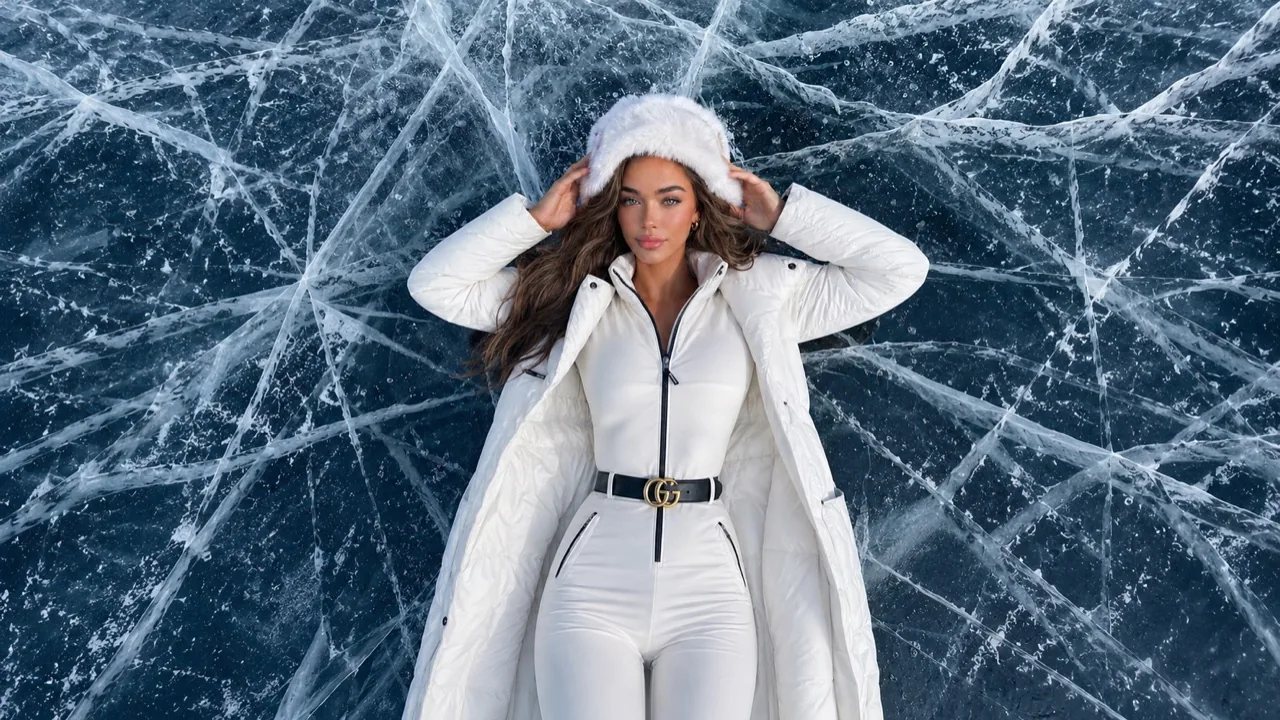
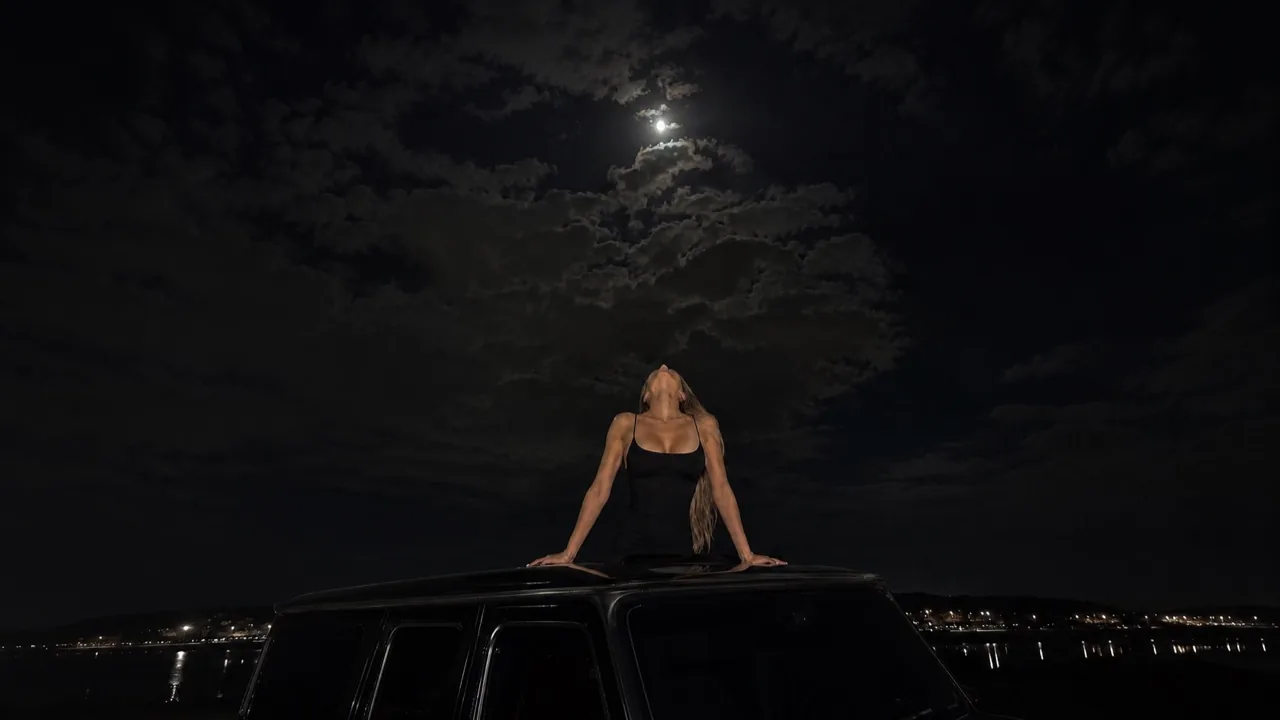
Create photorealistic images, illustrations and advertising scenes in the desired format.
Replace the background, correct details and develop a successful result without restarting.
Improve quality, collect product cards and prepare images for ads.
For a new picture, a description is enough. For an AI photo shoot, upload your portrait, and for a product card, upload a photo of the item. Select a task below to see examples and steps.
 TEXT → IMAGE
Turn a text idea into a new photorealistic or stylized frame.
PORTRAITSCreate a new shoot from a photograph while maintaining the person's recognition.
EDITINGCorrect the desired part of the image without destroying the rest of the composition.
MARKETPLACESPrepare a clean product photograph without a separate studio shoot.
TOOLSeparate an object and use it in a card, banner, or new environment.
Editing works as an extension of an idea: you can keep a face, a product or a composition and only change the background, lighting, clothing or an individual object.
For example, upload a photo of a bottle and ask to replace the table with a light stone. Make sure that the shape of the bottle and the inscription on the label must be preserved. To select a tool there is comparison of photo and video services.
Open studio in the browser or a widget in Telegram or MAX. The price of the selected settings will appear before launch.
Write what you want to create, or choose a ready-made script.
Upload a photo or reference if the result should retain details.
Download the image in the “My Results” section on your computer. In Telegram and MAX it will come into chat with ClipVision.
Yes. Upload the source image and describe the change, or select a ready-made script with a pre-prepared prompt.
Different models are suitable for realistic editing, generation with text and artistic images. The model page and widget show which applications each is best suited for.
No. In ClipVision, payment is debited for a specific generation, and its cost is shown before launch.
On your computer, open Studio in a browser. On your phone, you can create or edit a photo in the ClipVision widget in Telegram or MAX.
Open ClipVision, select a task and run the first generation.