











Without original photo
An idea is enough to get started: a person, an object, a place, a mood or an advertising scene.
Describe the object, environment, composition, light and style - the neural network will assemble a new frame from scratch. The original image is not required, and the format and model can be selected before starting.
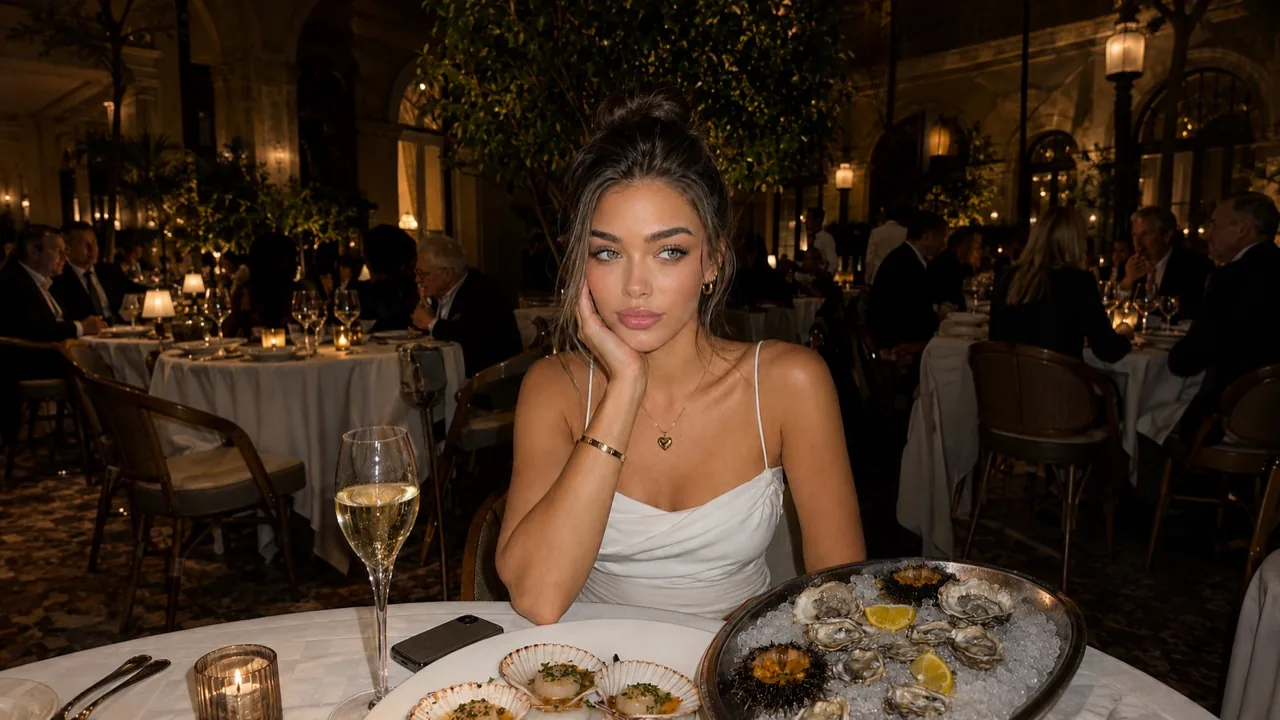
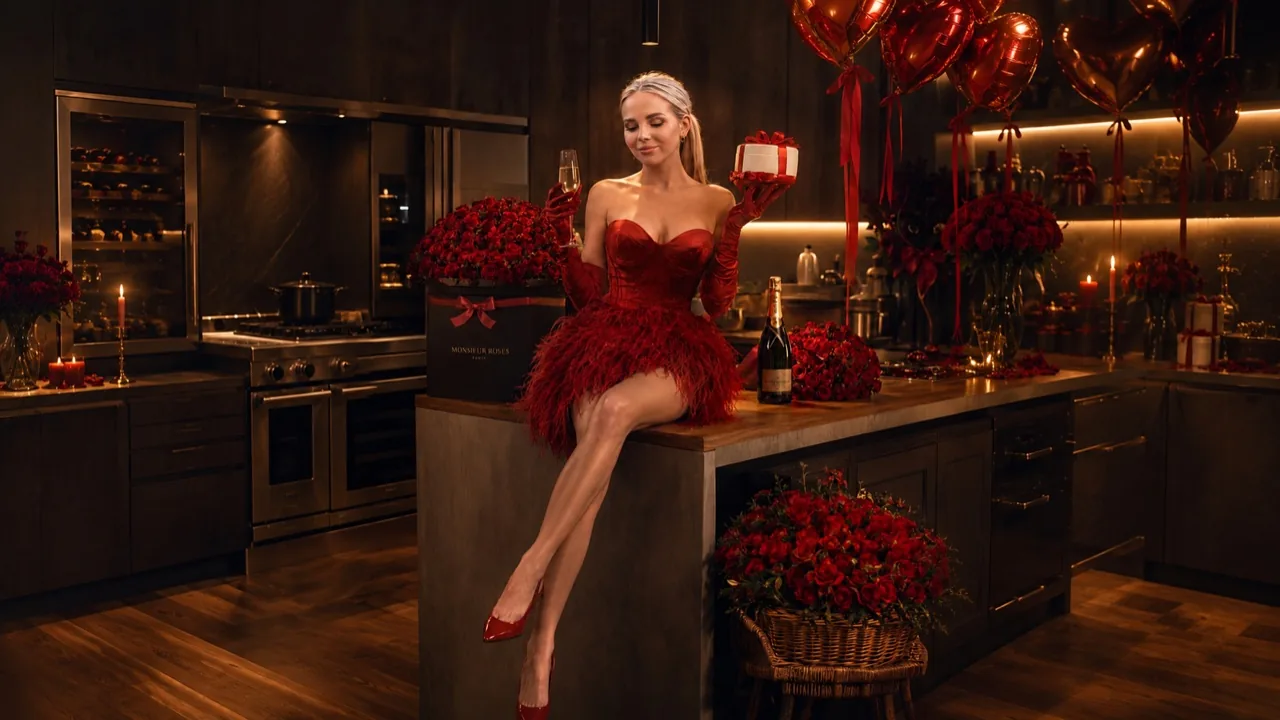
An idea is enough to get started: a person, an object, a place, a mood or an advertising scene.
The frame format, angle, light, background and important details are specified directly in the description.
You can get a mobile photograph, a studio shot, an illustration or a subject visual.
The prompt must describe the scene sequentially. Don't list conflicting styles and angles.
Photorealistic half-length portrait of a girl in a modern cafe near a large window, soft natural morning light, calm look into the camera, neutral clothes, realistic skin, light depth of field, shot on a smartphone, vertical frame 9:16. No text, logos, extra fingers or excessive retouching.
Premium product photography of a perfume bottle on a dark stone, thin layer of water and natural droplets, warm backlight, soft golden reflections, clean composition, bottle completely in frame, label readable and unalterable, square format 1:1. No additional products, text or watermarks.
No. To generate from scratch, a text description is enough. Photography is needed when it is necessary to preserve the appearance, product or specific composition.
Yes. Open the model with image editing, upload the resulting frame and describe exactly what you are allowed to change.
It is not the number of words that is important, but the structure. Usually it is enough to describe the subject, action, setting, light, angle, style, format and limitations.
Open ClipVision, select the appropriate model and check the final cost before launch.
Open in MAXOpen in Telegram