











AI photo shoot according to your photo
Business portrait, new image or frame for social networks. Upload a photo and describe the shoot you want.
from 3.6 ₽ per image · from phone and computer
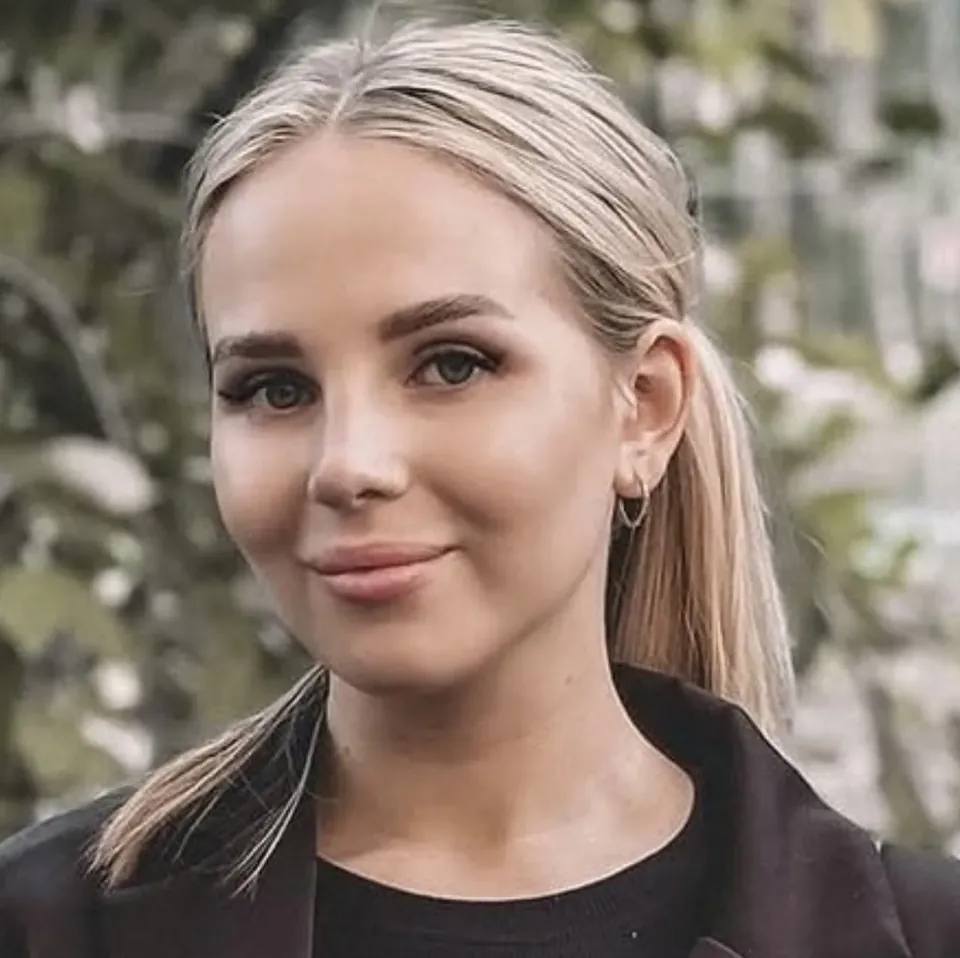
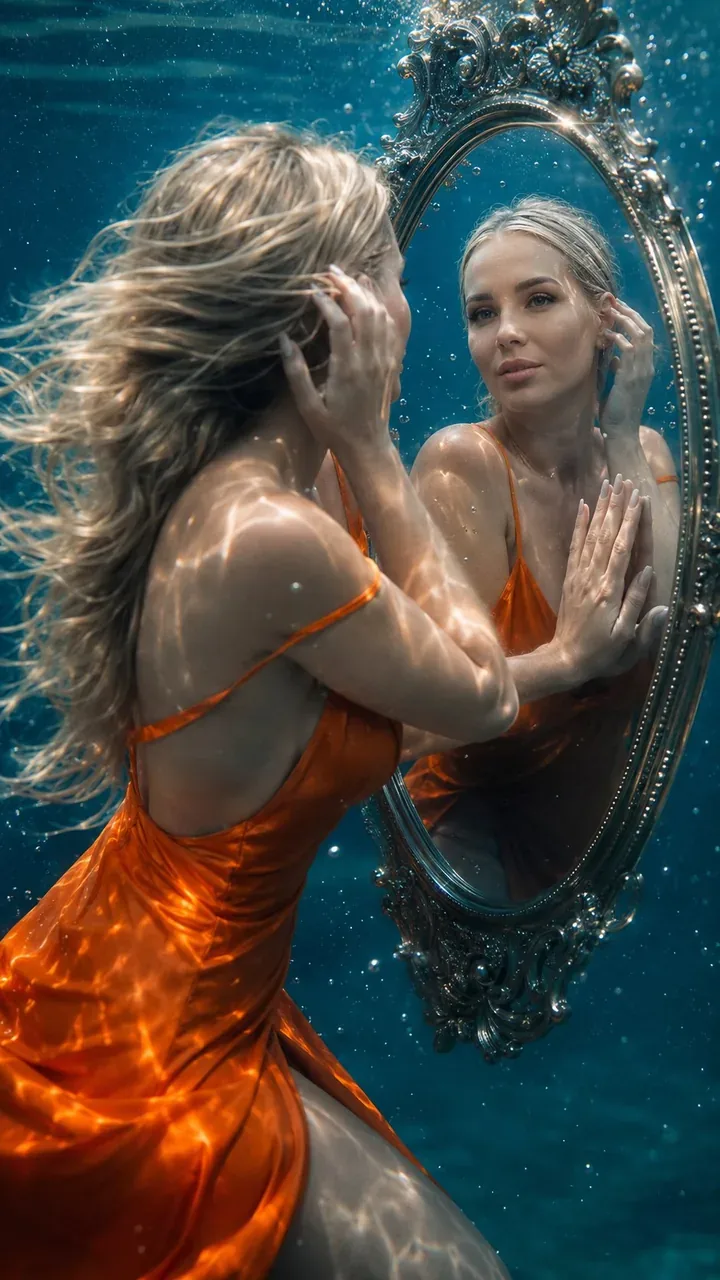
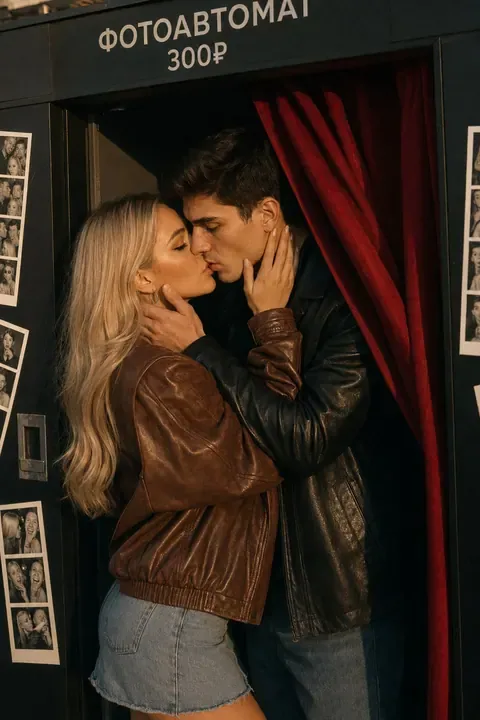
Example from the tape ClipVision · Nano Banana 2. The model is now available from 8 ₽ per image.
How to do a photo shoot with AI
- Add your photoChoose a clear portrait: the face is clearly visible, the skin and features are not hidden by filters.
- Describe the imageSet clothes, pose, location and light. Separately, ask to maintain your appearance.
- Get the frameCheck the price and start generation. If necessary, clarify one detail and repeat.
Choose your shooting mood
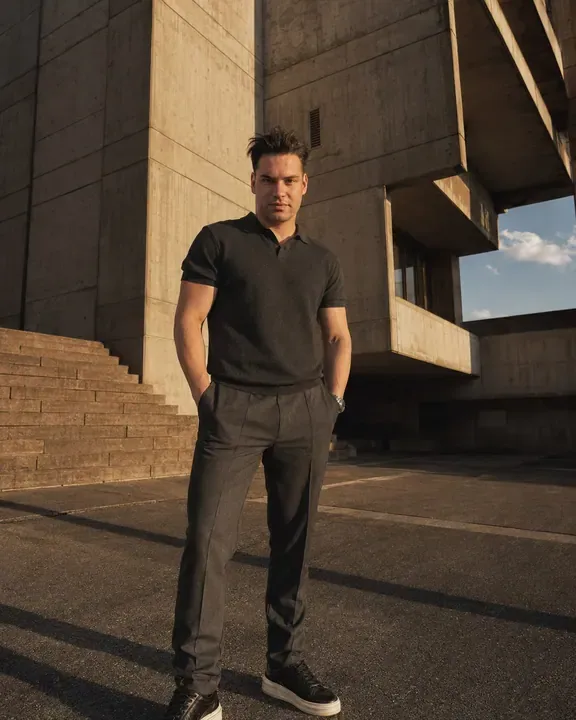
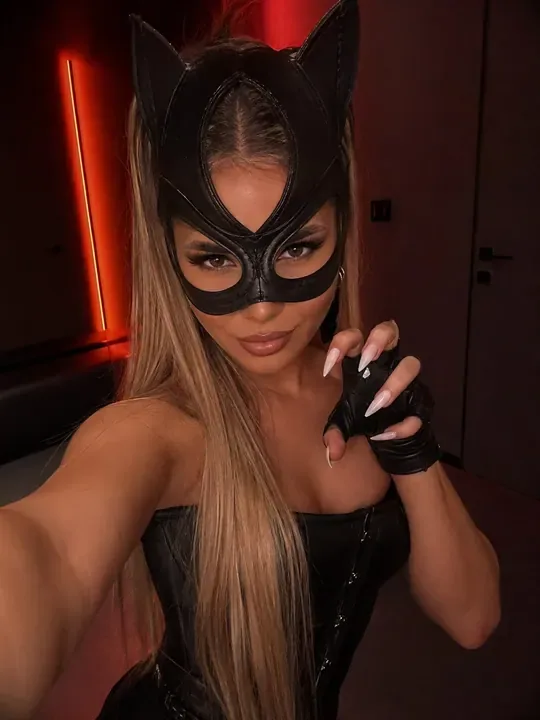
These results are published in the ClipVision feed. For your frame, take a ready-made prompt and add your own photo.
 To the studio
How much does an AI photo shoot cost?
Select a model for the task. For a series with one person, use the same source file and save the description of appearance between frames.
Minimum prices per image. The result depends on the resolution and the selected parameters; a series of frames consists of separate generations.
How to choose a source photo
- The face is in focus, without strong blur or masks.
- For the first frame, a full-face or three-quarter angle with even lighting is suitable.
- For an individual portrait, take a photo of one person.
- If the model is taking multiple images, add another angle of the same person.
Maintain appearance, change the scene
Divide the request into two parts: what to keep and what to change. For example, keep the face and hair color, but change the clothes, background and lighting.
Start with one image. If the result differs from the original file, simplify the scene and clarify which features need to be preserved. The similarity depends on the photograph, the prompt and the chosen model.
Ready-made prompts for an AI photo shootQuestions about a photo shoot based on photos
Do you need professional photography?
A clear photo from your phone will do. It is more important that the eyes, facial contour and natural texture of the skin are visible. Heavy retouching and unusual angles can affect the result.
Will the face be exactly the same?
Indicate in the prompt that the appearance and proportions need to be preserved. This helps maintain recognition, but the neural network can change the details. If there are noticeable differences, try a different source file, refinement, or model.
Is it possible to take a photo of the couple?
Yes. Add a joint photo or individual references if the selected model supports them. Describe each person and ask them to maintain the appearance of both.
What is included in the stated price?
Price “from” refers to one image with minimum model parameters. Resolution and other settings may change the cost; the exact amount is shown before launch.
Make an AI photo shoot
Open ClipVision on your computer or in instant messenger. Select a model, upload your photo and add a description of the look.
You will need a login before the first generation. The cost of the selected parameters is visible before launch.