Create a business portrait of a person from an uploaded photo. Maintain recognizable facial features, age, proportions, eye and hair color. Chest-length shot, calm look at the camera, natural light smile. Dress the person in a simple dark jacket and a light shirt. The background is a modern office with soft blur. Even daylight from a large window, natural skin texture, neat hair. Vertical frame 3:4. Without inscriptions, logos and strong retouching.
Create a realistic photo of a woman from the original photo. Maintain her appearance, age, physique, eye and hair color. She sits by the window in a cozy cafe, wearing a light, loose jacket and simple jewelry. The pose is relaxed, the hands look natural. Soft evening light, warm shades, calm background with a little blur. Waist-length frame, eye-level photograph, 3:4 format. Maintain the texture of the skin, without the effect of plastic, inscriptions and watermarks.
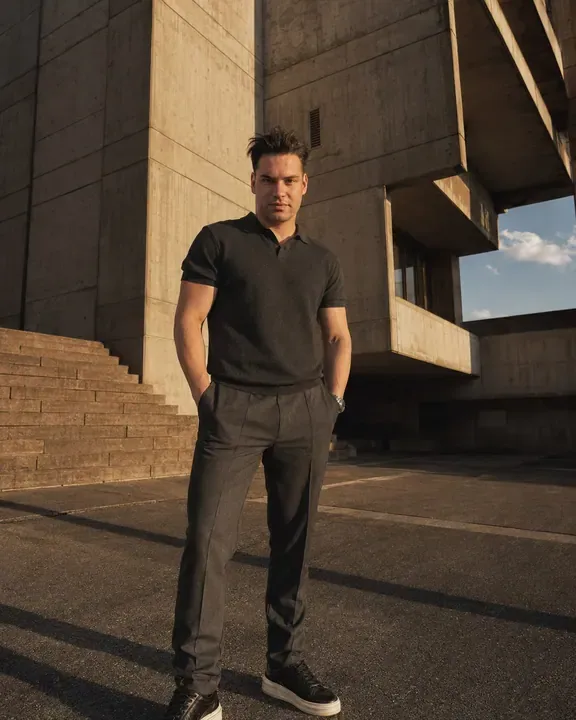
Courageous and confident man 30 years old, brutal style, facial features as in the attached photo. Full length photo. Location: backdrop of a massive concrete brutalist building, deep shadows from the harsh summer sun. Dressed in a dark gray polo shirt, trousers and leather sneakers. Sunset lighting, high contrast, cinematic composition, high detail of skin and clothing texture, photorealism.
Create a photorealistic portrait of a man from an uploaded photo. Save his face, age, proportions, hair color and appearance features. A man stands in front of a modern concrete building wearing a dark polo shirt and straight trousers. The pose is calm and confident. Soft side light closer to sunset, the texture of fabric and leather is clearly visible. Full-length shot, camera at chest level, vertical format 3:4. Natural hands and facial expressions, without text, logos or excessive retouching.
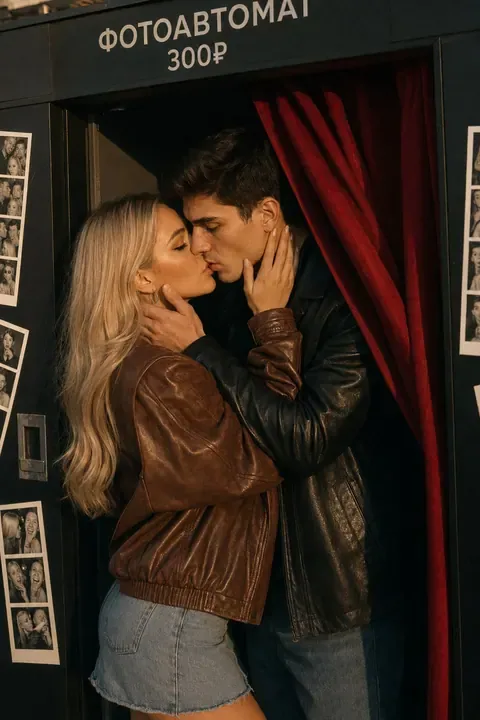
Create a photo of two people together from an uploaded joint photo or separate references. Maintain the appearance, age and proportions of each person, do not mix facial features. A couple stands side by side on a calm city street, slightly turned towards each other. Clothes in matching neutral shades, natural poses and soft smiles. Smooth evening light, background slightly blurred. Waist-length frame, 3:4 format. Realistic skin, correct hands, no inscriptions or watermarks.
Create a studio photo of a person from the original photo. Preserve your face, age, proportions and characteristic features of your appearance. A man in plain dark clothing sits in front of a neutral beige background. Soft light from a large softbox on the side, a light shadow on the opposite side, natural highlights in the eyes. Half-length portrait, calm pose, 3:4 format. Maintain skin and hair texture. Without glossy retouching, facial distortion, text and additional people.
Leave a description of your appearanceSave the request to keep the face, age and proportions of the person in the photo.
Replace the sceneChange clothes, location, posture and lighting. For the first result, choose one clear idea.
Check the settingsAdd your photo, select format and quality. Check the cost before you start.
Results from the ClipVision feed
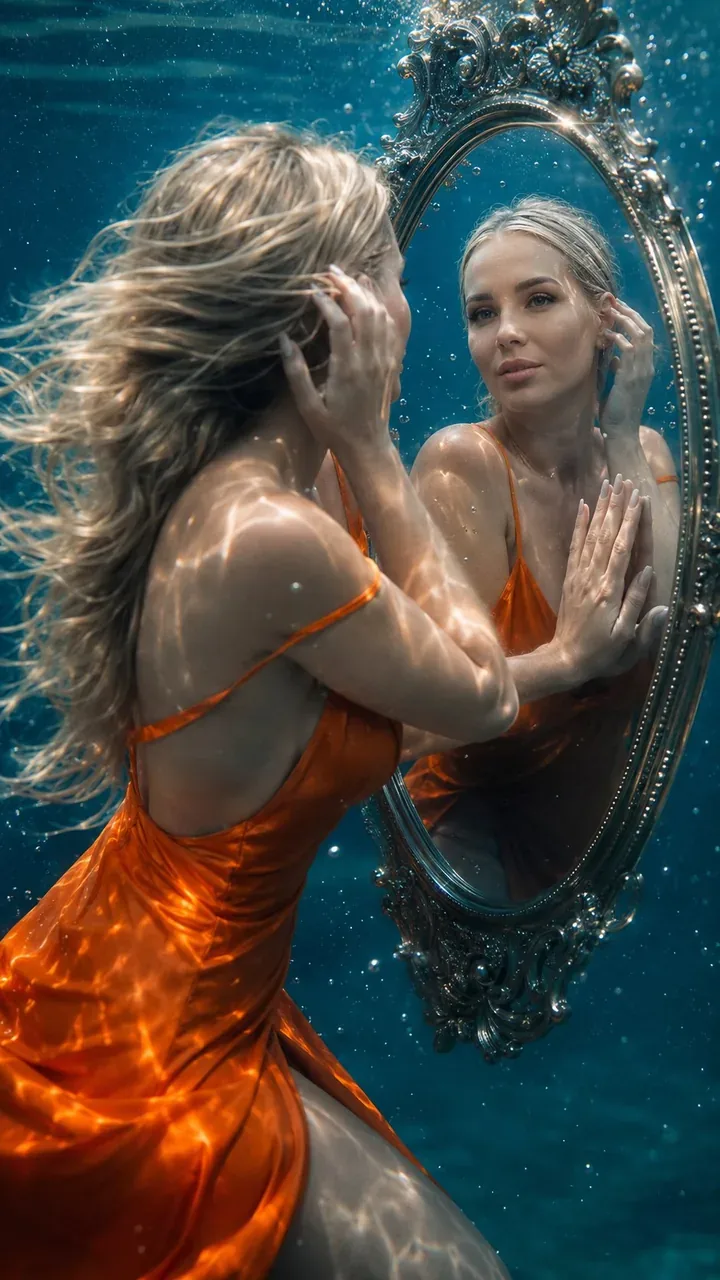
These images show different serving options. For your result, use the templates above and your own source file.
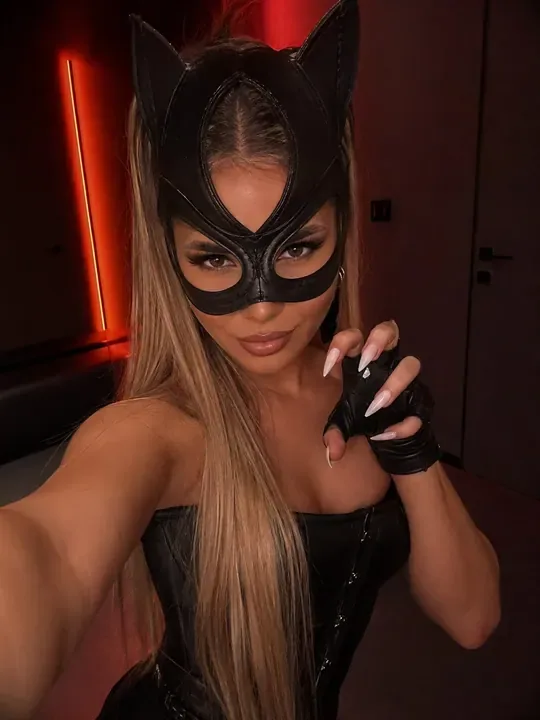
To the studio Near a concrete buildingView promptNew lookClothes, posture and moodFor couplesGroup photoFantasy shootingScene from your idea
If the similarity is lost
Take a clearer source file without filters. Eliminate complex angles and multiple simultaneous changes. Separately specify the color of the eyes, hair and facial features that need to be preserved.
If you need several frames
Use the same reference and the same description of appearance. Between generations, change only the pose, background or frame size. The number and format of available references depend on the model.