











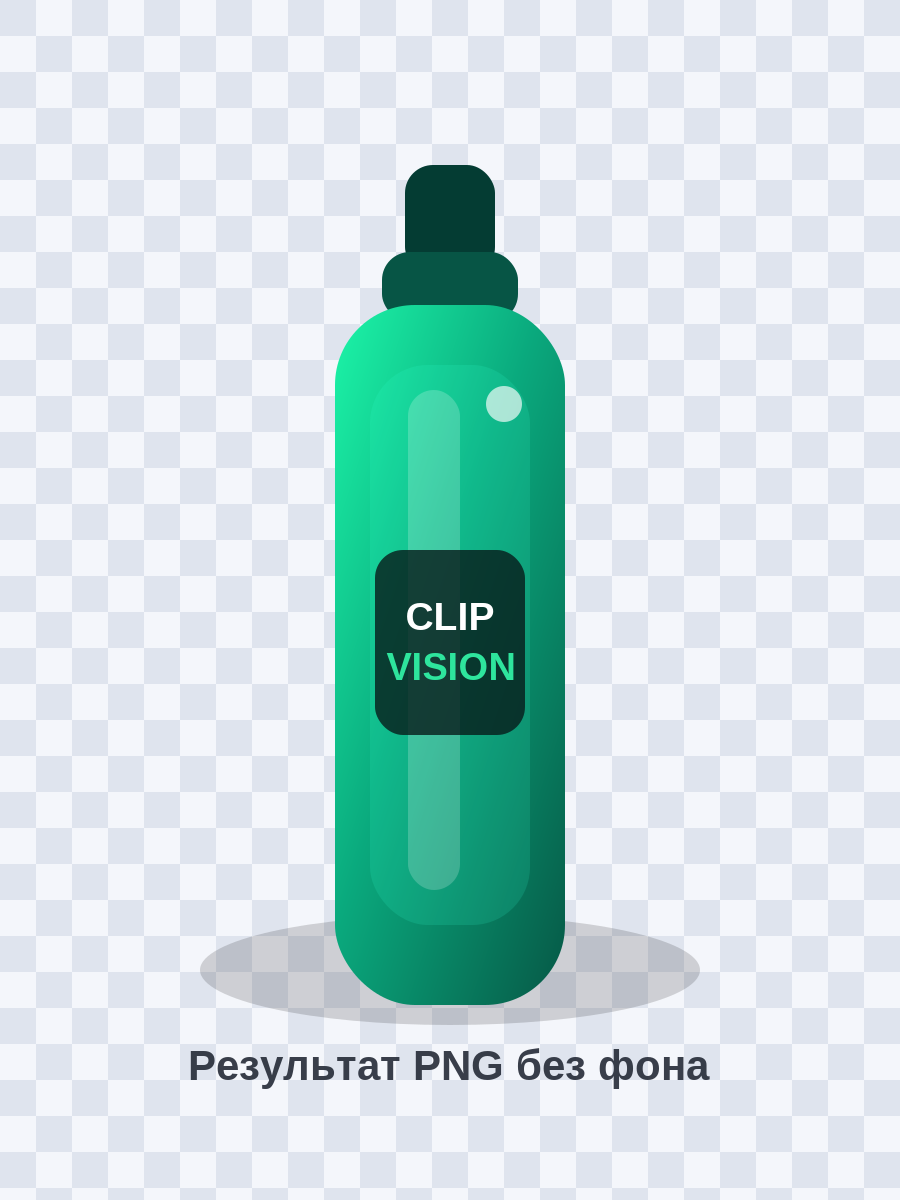

Suitable for banners, presentations and new advertising scenes. The object can be placed on top of any background without re-cutting.
Remove background using neural network
Removing the background is necessary for product cards, presentations, advertising banners, catalogues, marketplaces and quick visuals with transparent PNG.
Why is it better to remove the background with a separate tool?
A generative model can replace backgrounds nicely, but a separate background removal tool will usually do a better job of keeping object edges, hair, transparent parts, and product shapes in check.
After removing the background, you can leave PNG transparent, set a white background for the marketplace, or send the object to Flux, Qwen or GPT Image for a new advertising scene.
Models
What to choose
First a blank object, then a new scene or format.
Order
How to prepare a product photo
This order is suitable for marketplaces and advertising visuals.
- Remove the background. Get a clear object or a transparent PNG.
- Check the edge. Look at the hair, glass, packaging, logo and small details.
- Assemble the scene. Add a white background, a lifestyle environment, or a hero advertising visual.
Output format
Transparent PNG or white background
The choice depends on where the image will be used next.
Convenient for product catalogs and main images if the site allows or requires a neutral background. Add natural shadow so the subject doesn't look flat.
Zoom in and check hair, fur, glass, fine features and highlights. If there is still a halo along the contour, correct the mask before creating a new scene.
Do not create a new background before checking the mask
First, save the object on a transparent background and inspect it separately. A new interior or colored backing can hide jagged edges, remnants of old backgrounds and missing details.
For the product card, additionally compare the silhouette, inscriptions and packaging with the original. After checking, you can go to main product photo or put together a promotional scene.
Remove background
Open ClipVision and select the background removal tool.
Open in TelegramProduct cards