











Style selection
Scandinavian, minimalism, loft, Japandi, neoclassical and other trends.
ClipVision creates a conceptual visualization of the interior: you can choose a style or upload photos of specific furniture and describe the desired arrangement.
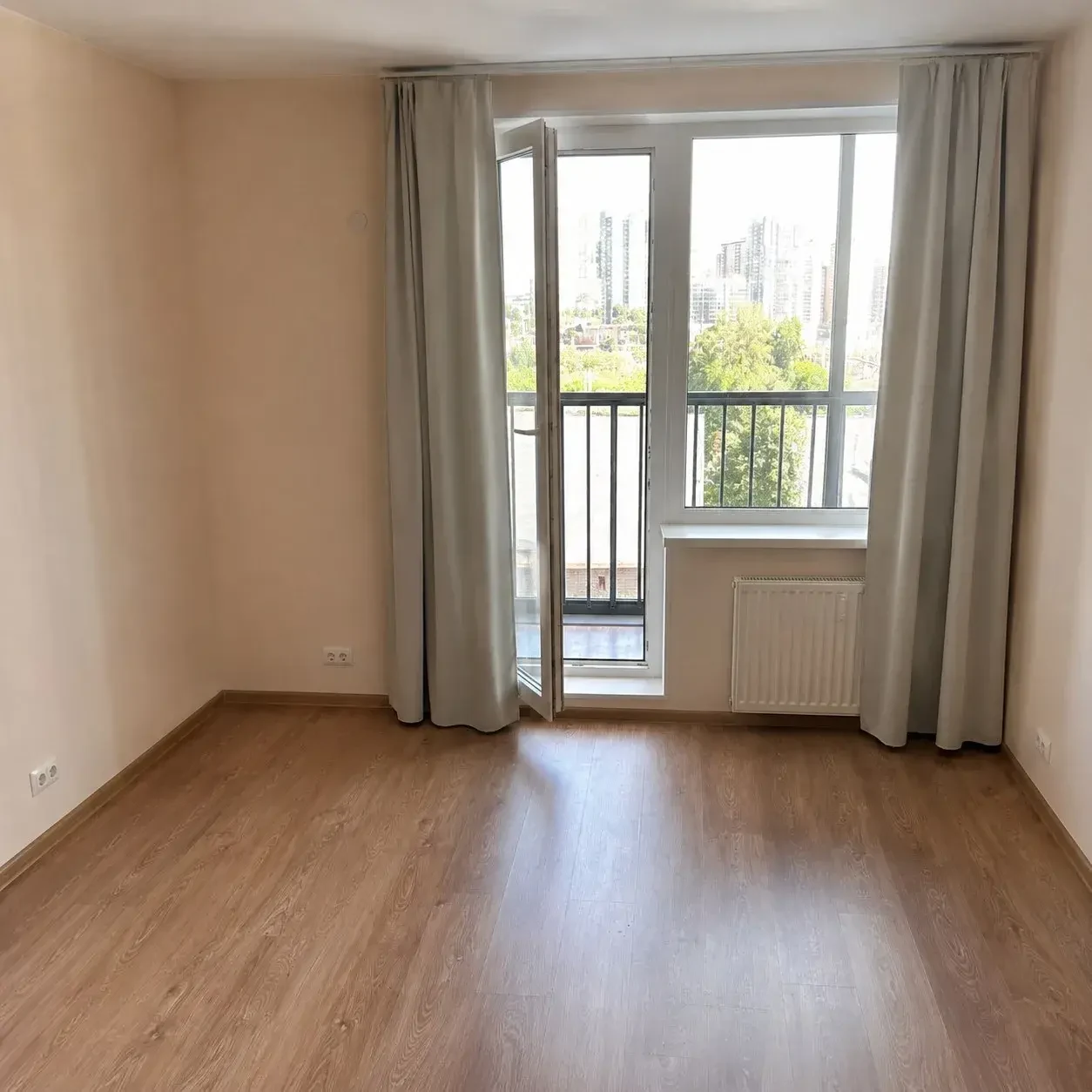
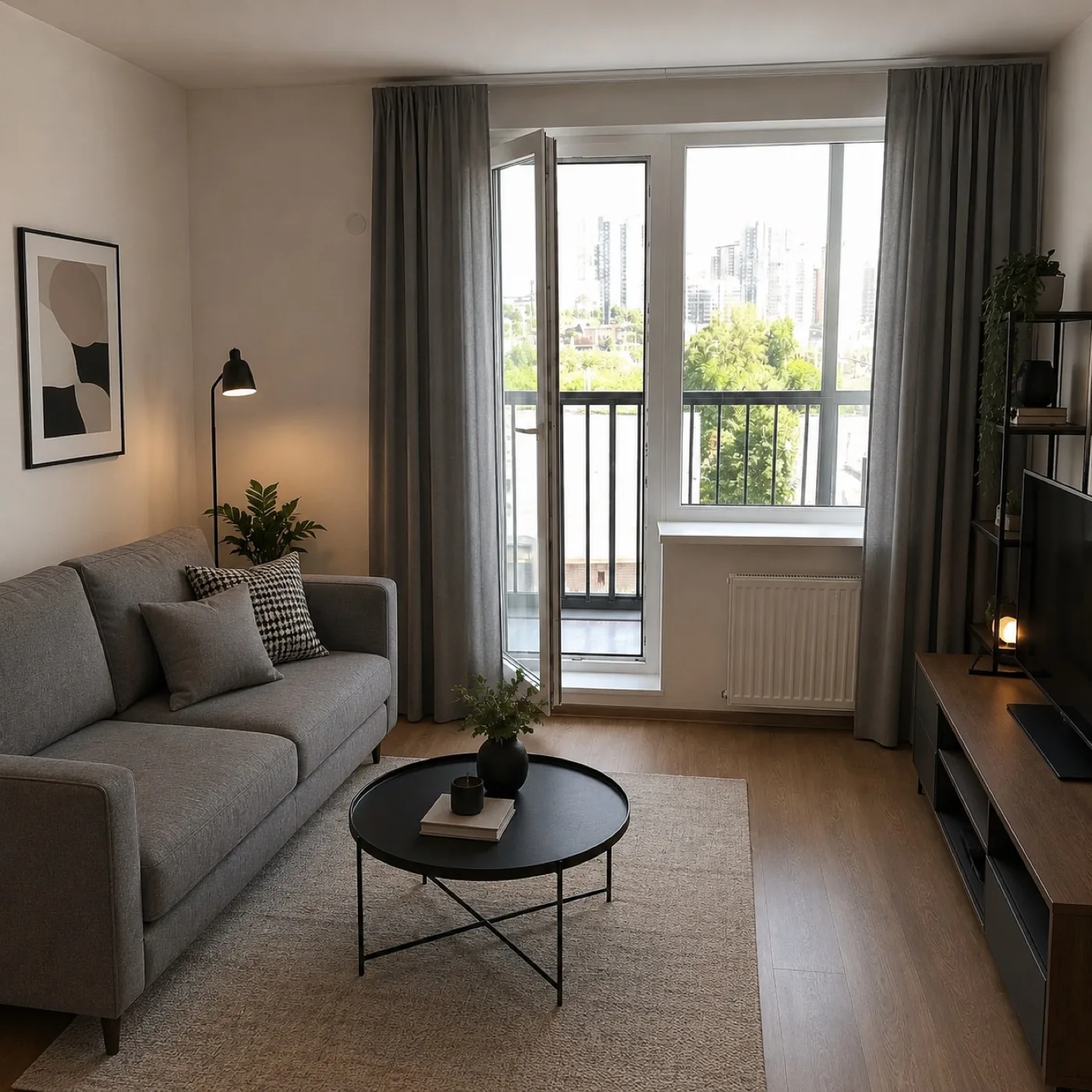
Scandinavian, minimalism, loft, Japandi, neoclassical and other trends.
Walls, windows, doors, radiators and built-in elements remain in place.
You can upload specific items and describe where each one should go.
The user does not need to select a model or edit the query. The prompt is shown here so that you can evaluate the accuracy of the processing.
Create a conceptual rendering of the furnishings of the original space. Keep the exact geometry, dimensions and position of walls, windows, doors, floors, ceilings, sockets, radiators and built-in elements unchanged. Add furniture in the chosen style. Use realistic scale, correct perspective, contact shadows and natural reflections. Do not block passages and do not block doors, windows, radiators and functional areas. Do not add new windows, doors or architectural features. Do not change the area and layout. No text. The result should be perceived as a realistic but conceptual rendering.
Open the finished script, load the source image and start generation.
Open in MAXOpen in Telegram