











Smooth perspective
Walls and verticals look neater without artificially enlarging the room.
The script carefully corrects exposure, white balance and vertical balance. The geometry of the room, furniture and state of repair are preserved, so the photo is suitable for the real ad.
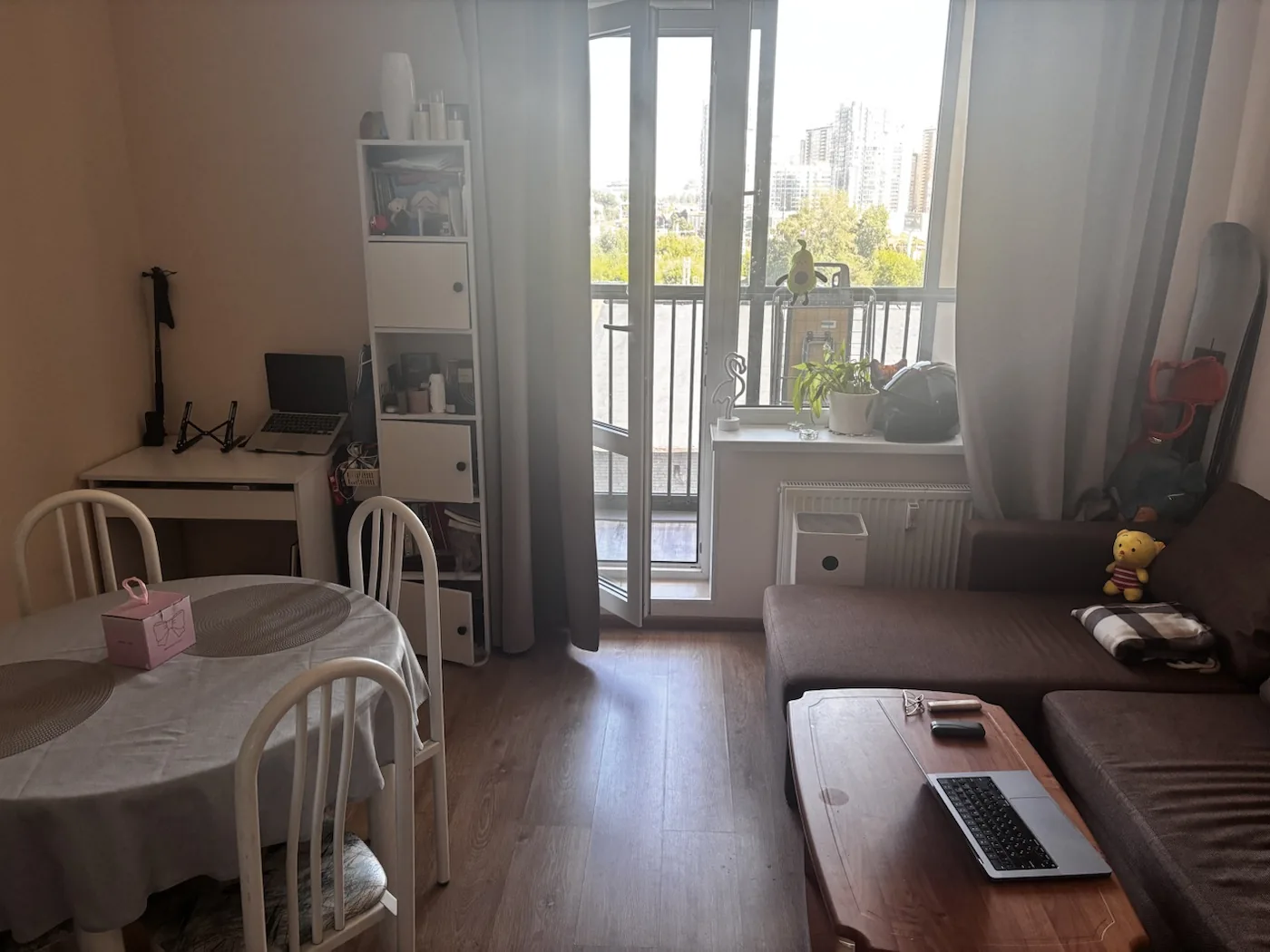
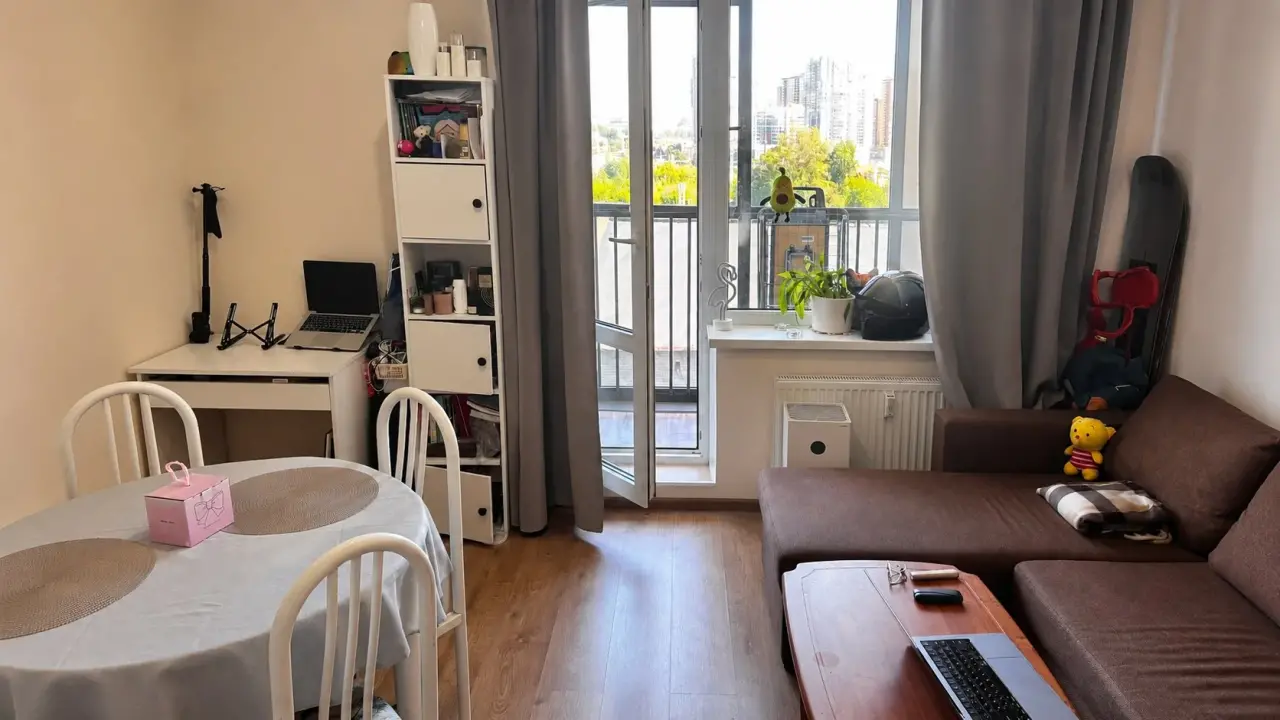
Walls and verticals look neater without artificially enlarging the room.
Exposure and white balance are corrected, but the interior remains recognizable.
Damage and condition of repairs are not masked to keep the listing honest.
The user does not need to select a model or edit the query. The prompt is shown here so that you can evaluate the accuracy of the processing.
Prepare an original photograph of the premises for the sale or rental advertisement. Keep the geometry of the room, dimensions and position of walls, windows, doors, floors, ceilings, radiators, sockets, furniture and all other items unchanged. Do not remove or add objects. Allowed only: to align verticals and perspective, correct exposure and white balance, reduce noise, increase detail and make natural daylight. Do not enlarge the room, do not hide damage and repair defects. The result should look like a professional yet honest real estate photograph. No text or watermarks.
Open the finished script, load the source image and start generation.
Open in MAXOpen in Telegram