











Carryable items only
Furniture, textiles and decor are removed, but built-in elements are retained.
The script helps show the available space before selling, renting or renovating. Only furniture and decor that are being moved are removed—the architecture and decoration remain unchanged.
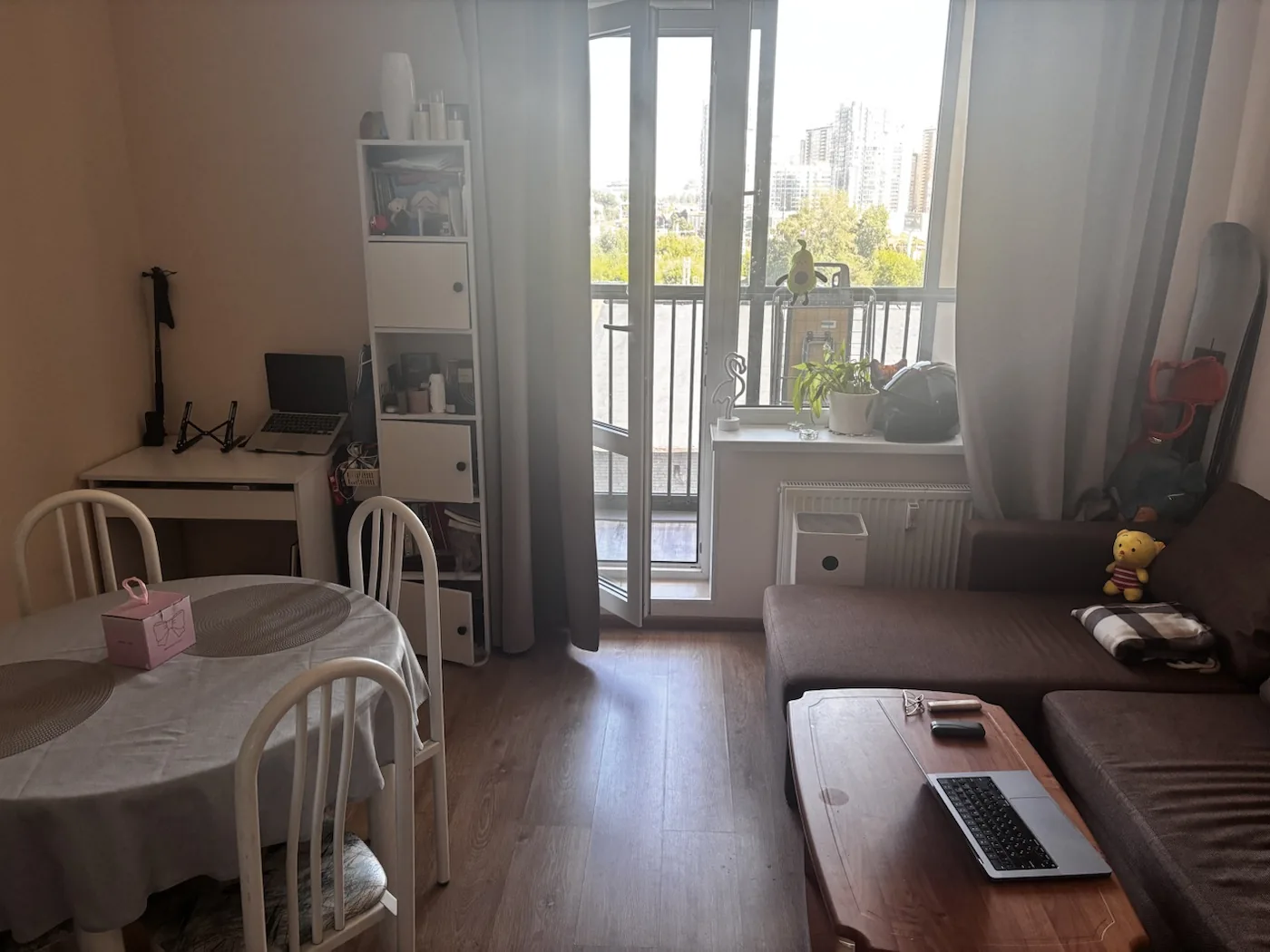
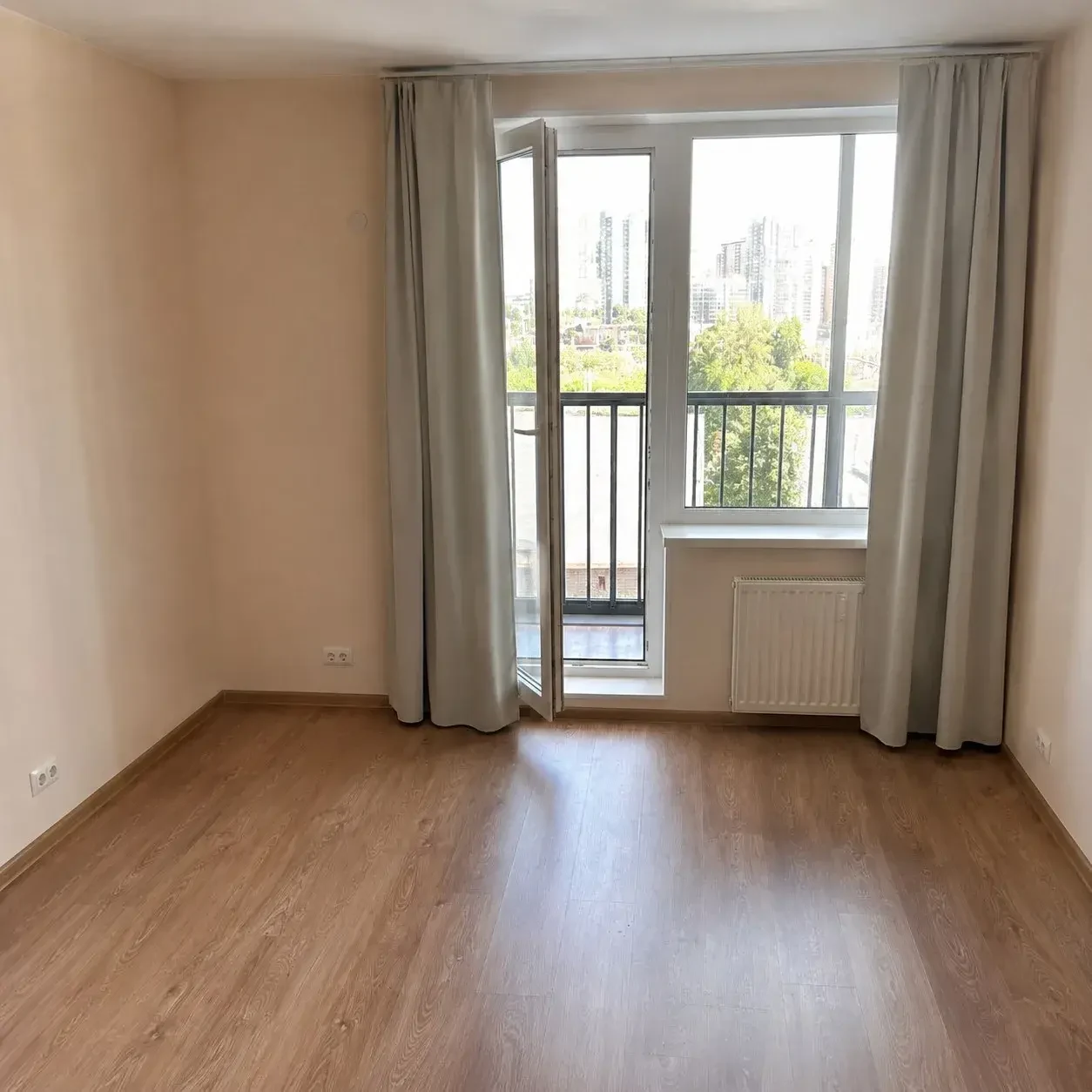
Furniture, textiles and decor are removed, but built-in elements are retained.
Windows, doors, batteries, sockets and room boundaries do not move.
The empty result can be used as a basis for new furnishings.
The user does not need to select a model or edit the query. The prompt is shown here so that you can evaluate the accuracy of the processing.
Clear the room in the original photo from portable furniture, household items, textiles and decor. Keep the exact geometry and dimensions of the room, the position of walls, windows, doors, floors, ceilings, baseboards, sockets, switches, radiators, lamps and all built-in elements unchanged. Do not change the layout, decoration, materials, color of surfaces and perspective. After removing objects, realistically restore only those areas of the walls and floors that were covered by them, continuing the existing materials, lines and lighting. Do not improve repairs or hide visible damage. Don't add new furniture, windows, doors or architectural features. No text or watermarks.
Open the finished script, load the source image and start generation.
Open in MAXOpen in Telegram