











True result
Scratches, dents, equipment and equipment features remain in place.
Prepare your car, motorcycle, boat or other equipment for publication without re-shooting. The shape, configuration and visible damage remain unchanged.
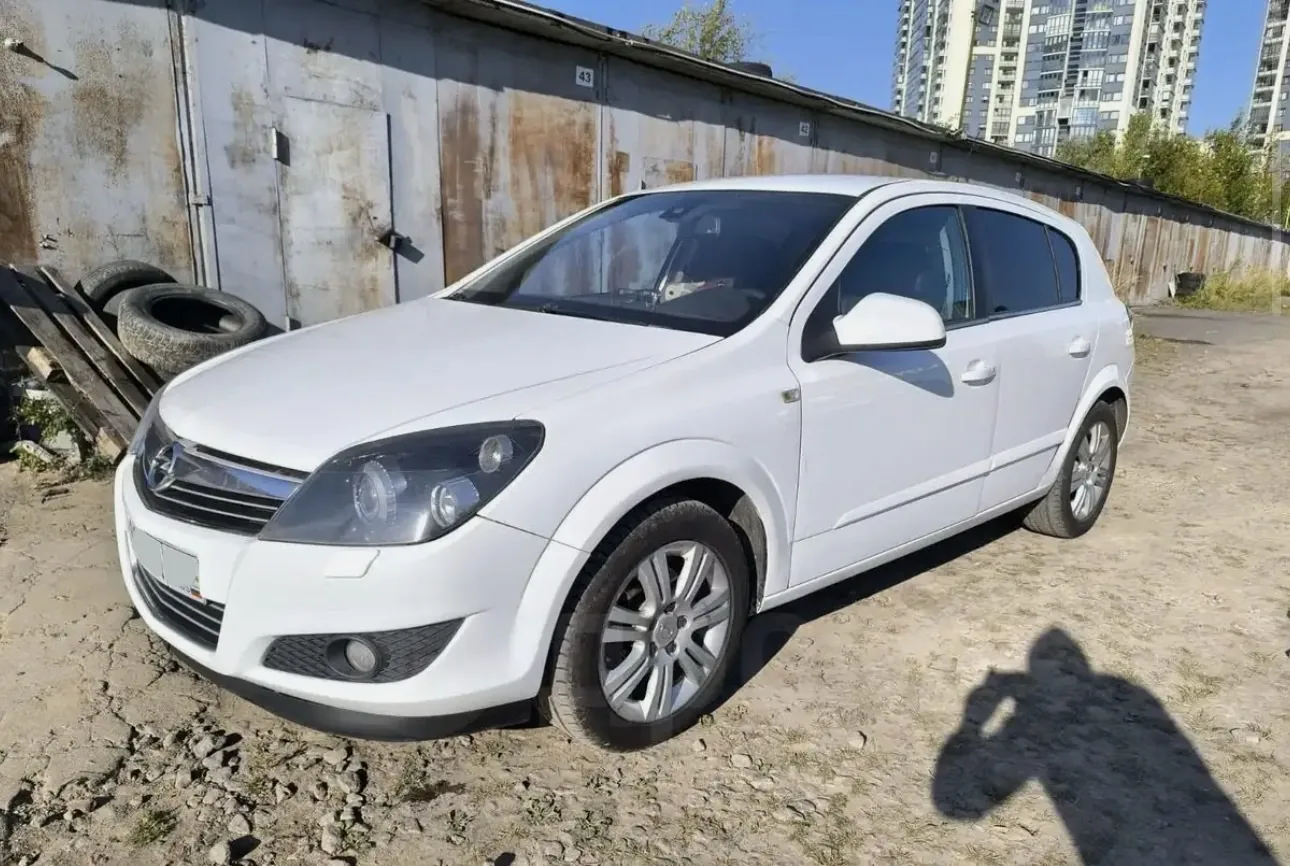
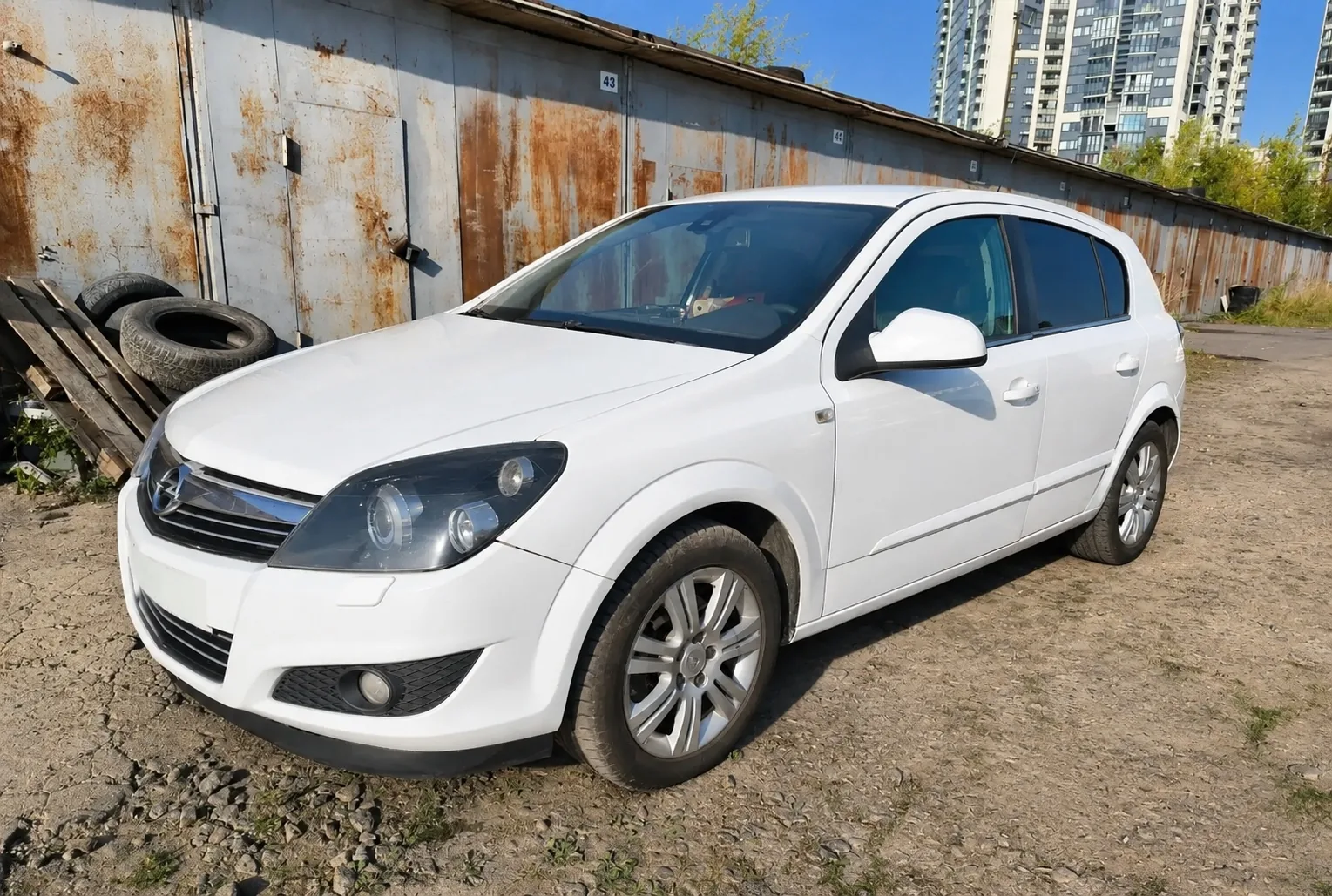
Scratches, dents, equipment and equipment features remain in place.
Light, perspective and surroundings become more accurate, and the equipment itself does not turn into another object.
Suitable for motorcycles, ATVs, snowmobiles, boats, boats and special equipment.
The script already contains the necessary restrictions. The user just has to select the source file and check the result.
A clear frame where the equipment is fully visible and not blocked works best.
Improve the original shot or move the technique to a neutral site.
Compare lights, wheels, logos, equipment and damage before posting.
In the finished script, the user does not see the model and does not edit the query. The instructions are shown here so that you can evaluate the processing rules in advance.
First, determine what type of equipment is shown in the original photograph. Use this technique as an immutable main object. Preserve its exact shape, color, proportions, wheels or other structural elements, headlights, glass, logos, equipment and existing damage. Replace only the surroundings with the clean, neutral site of a modern car dealership or exhibition space. Add realistic contact shadows and reflections to match the new lighting. Erase the license plate or replace it with a plain neutral plate. Don't retouch damage, don't add tuning, and don't change the technique. No advertising labels or watermarks.
The neural network helps with the presentation, but the original photograph remains the main source of truth about the state of technology.
Do not use a heavily cropped source file: invisible parts cannot be reliably reconstructed.
Check wheels, headlights, logos, license plate and equipment features.
Do not hide defects or add equipment that is not in the original photo.
Use the finished footage as the basis for a video or prepare other ad materials.
Open ClipVision, select a scenario for the technique and get the result without manually setting up the model.