











Scene from scratch
No photo required: character, environment and action can be specified in text.
Text-to-video creates a new scene without the original frame. To make the movement manageable, divide the description into the hero, action, environment, camera and visual constraints.
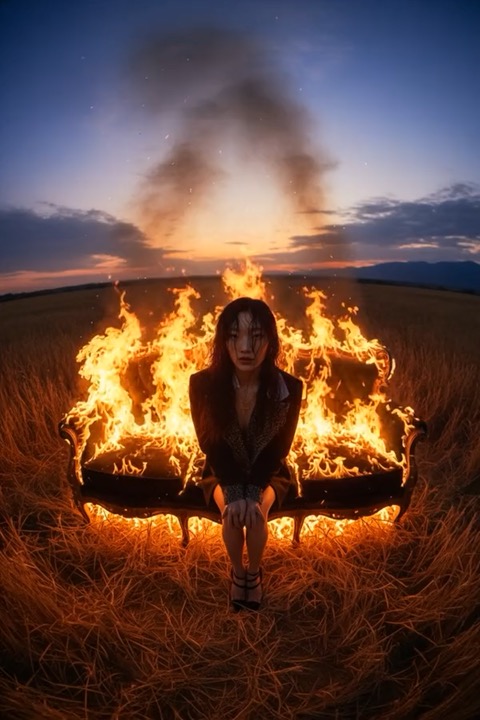
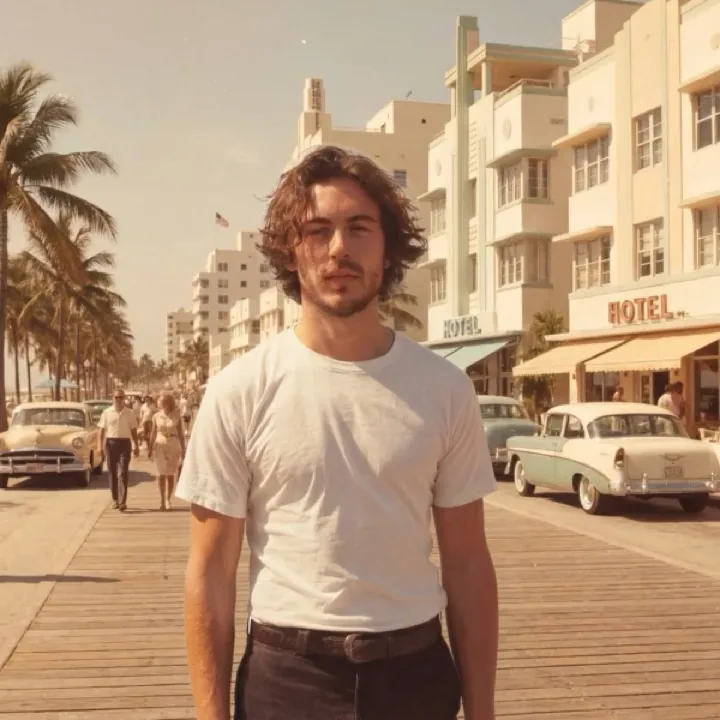
No photo required: character, environment and action can be specified in text.
The prompt determines the size of the frame, the direction of movement and the pace of the scene.
A vertical video is suitable for Shorts and Reels, a horizontal one is suitable for a website and presentation.
For a short video, one continuous action is better. Divide complex installations into several generations.
Rainy city at night, a young man in a dark coat walks along the wet sidewalk past neon shop windows. The camera follows smoothly from the side at chest level, reflections of light move across the asphalt, natural gait and fabric of clothing, realistic rain, cinematic but believable light. One continuous frame, without text, logos, sharp cuts or facial distortion.
A bottle of perfume stands on a wet black stone. The camera slowly makes a semicircle from left to right, warm backlight passes along the edges of the glass, there is a barely noticeable fog in the air, water naturally flows down the surface. Product, shape, cover and label remain unchanged. Premium subject photography, one continuous frame, without additional text and new objects.
Yes. Select text generation mode and describe the scene. To save a specific person or product, use the original image.
This usually happens due to overloaded action, sudden changes in perspective, or insufficiently clear description of appearance. Simplify the scene and camera movement.
For vertical tape, 9:16 is usually used. For a website, presentation or video hosting, 16:9 is most often suitable.
Open ClipVision, select the appropriate model and check the final cost before launch.
Open in MAXOpen in Telegram