











Vertical format
The scene is immediately built to fit the smartphone screen without subsequent hard cropping.
For a short vertical video, the first seconds, one clear action and composition for the smartphone screen are important. A neural network helps bring a photo to life or create a scene based on text without a separate video shoot.

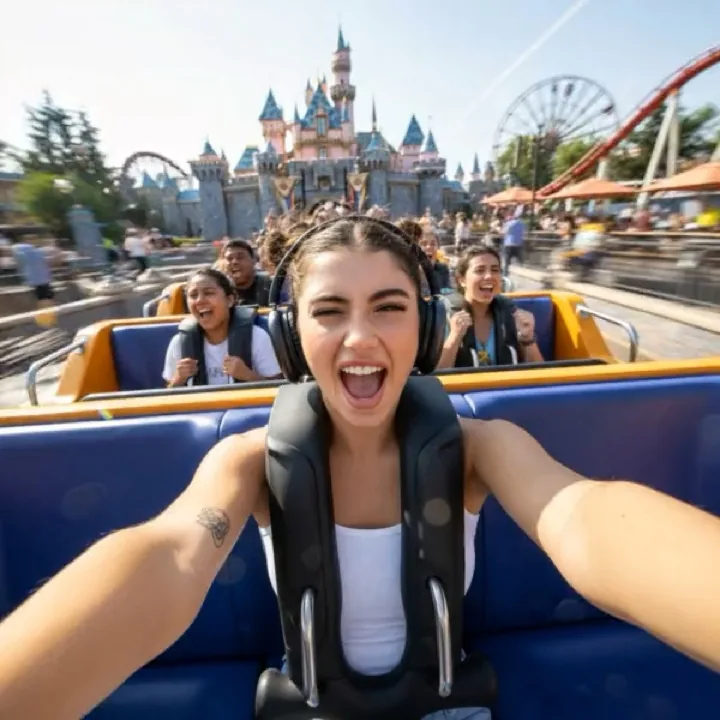
The scene is immediately built to fit the smartphone screen without subsequent hard cropping.
The first action, camera movement or transformation holds attention from the beginning of the video.
A portrait, product or finished frame can be brought to life without a separate film crew.
A strong short video is built around a single visual event. It is more reliable to add installation text and a call to action after generation.
@Image is an exact reference of a person. Keep your face, hair, physique, clothes and accessories the same. The hero confidently walks towards the camera along a sunny city street, a light wind naturally moves his hair and fabric. The camera smoothly pulls back at chest level, lively movement, realistic light, 9:16 vertical format, one continuous frame. Without changing the appearance, unnecessary people, text and watermarks.
@Image - exact product reference. Keep the shape, material, color, logo, packaging and real proportions. The camera quickly but smoothly approaches the product, then makes a short semicircle and stops on a key detail. Clean modern background, expressive backlight, realistic highlights, vertical format 9:16. Without deformation, new inscriptions, additional products and sharp gluing.
Yes. Upload a high-quality source file, choose a vertical format, and describe one natural action of a character, product, or camera.
For full-screen vertical viewing, 9:16 is usually used. It is better to keep important objects closer to the center, leaving space for the site interface.
No. It is safer to add the title, subtitles, price and call to action after generation to maintain accurate spelling.
Open ClipVision, select the appropriate model and check the final cost before launch.
Open in MAXOpen in TelegramSmart titles, main fragments, new voice acting, translation and publication design. For each mode, we have collected examples, costs and limitations.