











One product - different videos
From one source file you can make a demo, an atmospheric video or a short advertising hook.
A good AI video begins not with an effect, but with a clear task: what product are we showing, for whom, what advantage are we revealing, and where are we leading the viewer after viewing.
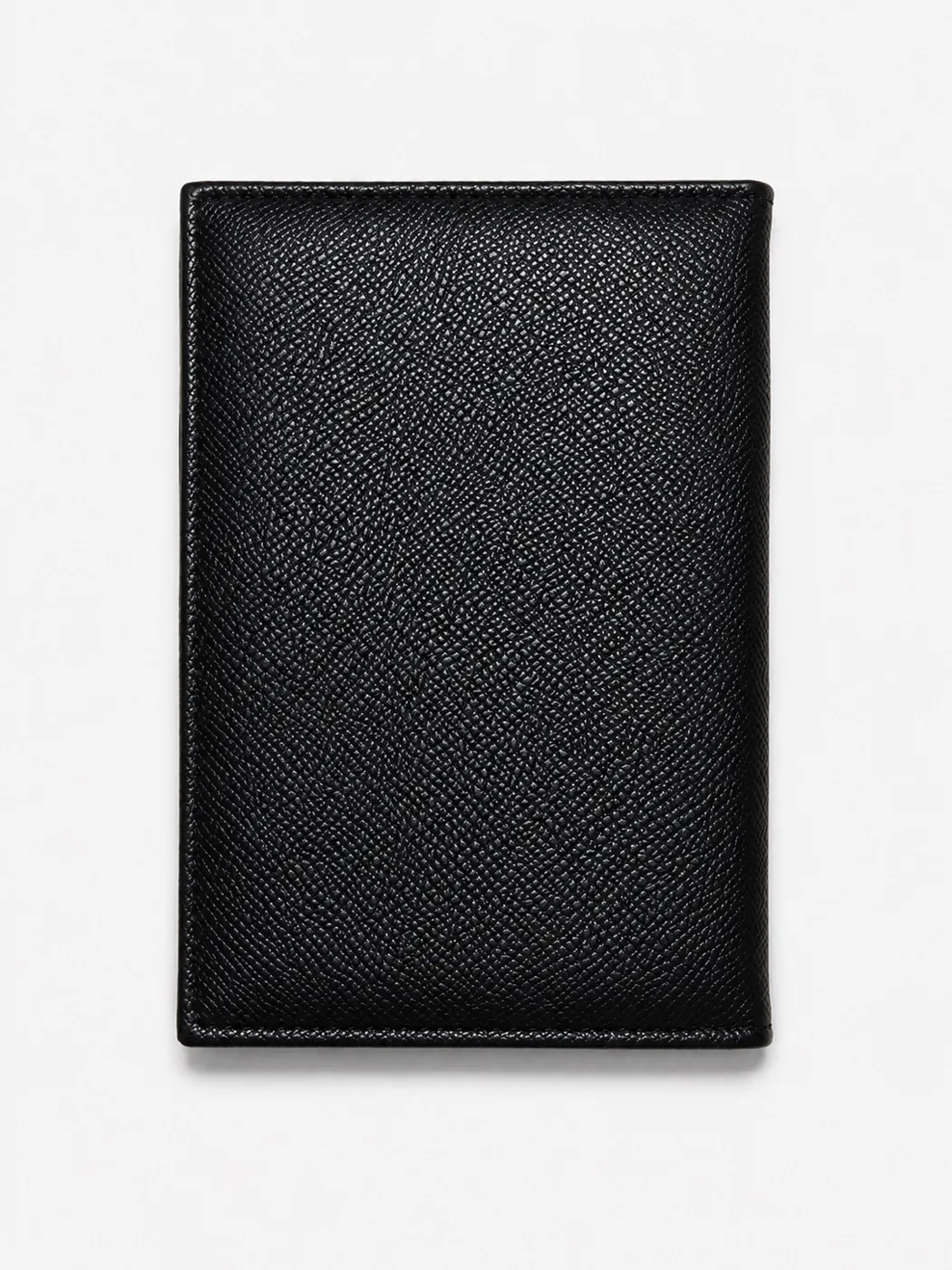

From one source file you can make a demo, an atmospheric video or a short advertising hook.
The neural network adds ambience, camera movement and light, keeping the product as the main subject.
The script and format can be adapted to a product card, Reels, Shorts or ad.
In the prompt, it is expressly prohibited to change the shape, marking and design of the product. It is better to add a text offer at the installation stage.
@Image - exact product reference. Keep the shape, dimensions, material, lid, label, logo and all packaging elements unchanged. The goods stand on a wet black stone. The camera slowly moves in a semicircle from left to right, warm backlight passes along the edges, drops of water realistically flow down the surface. One continuous advertising frame, vertical format 9:16. No new text, additional products or labeling changes.
@Image - exact product reference. Display the product in a clean, modern environment during natural use. The camera smoothly zooms in on the product, then focuses on a key detail. Keep the color, shape, material, logo and design unchanged. Realistic light, natural physics, one continuous frame. No packaging deformation, extra hands, text or watermarks.
Yes. First prepare a clean opening frame, then load it into the video model and describe the movement of the camera, product and environment.
Use a large source file, explicitly disallow marking changes, and check every finished frame. For complex packaging, it is useful to prepare several references.
It is safer to add the main advertising text, price and call to action after generating the video - this way they will remain readable and accurate.
Open ClipVision, select the appropriate model and check the final cost before launch.
Open in MAXOpen in Telegram