











Famous ending
You decide in advance what image you want the scene to end with.
A transition between frames connects two images into a short video. The model is given a start and end point, and the prompt explains what action and camera movement should happen in between.

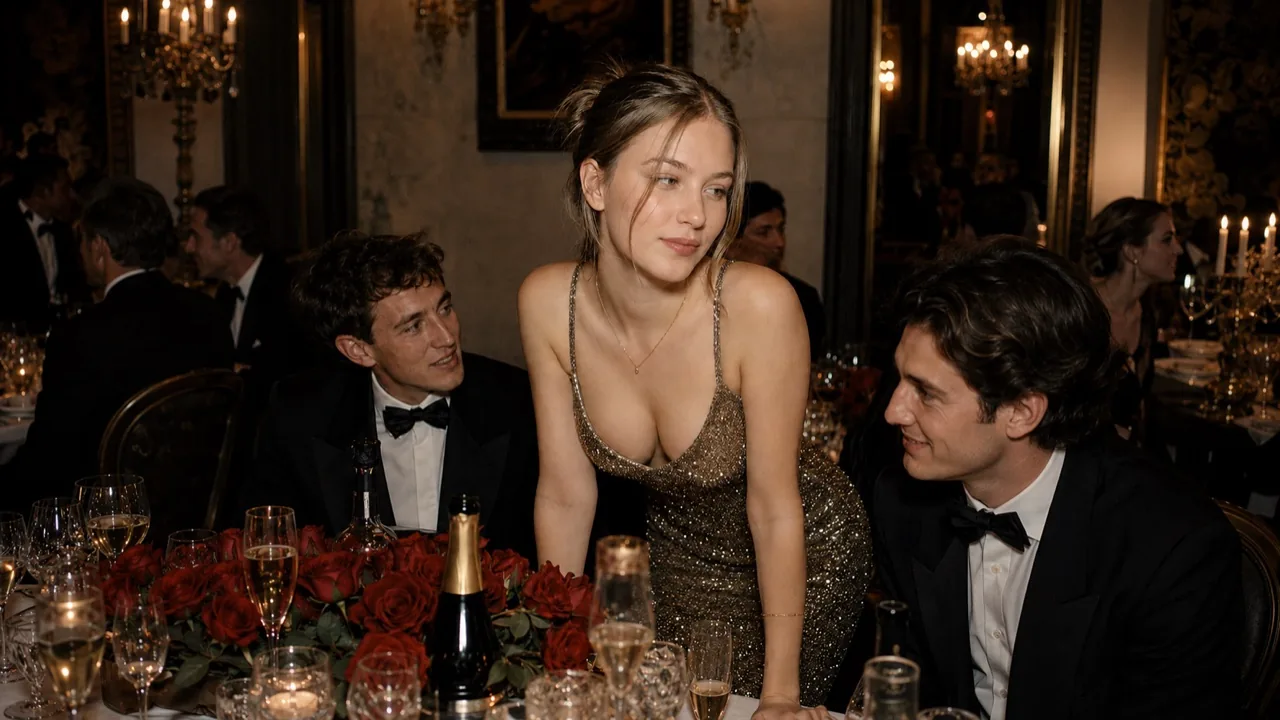
You decide in advance what image you want the scene to end with.
The neural network creates intermediate frames and links the two compositions.
You can show a transformation of an image, a product, an interior, or a change of scene.
The prompt describes the path from the first frame to the second, and does not repeat their appearance.
The first frame smoothly transitions into the last: the man takes one calm step forward, the fabric of the clothing moves naturally, the lighting gradually becomes evening. The camera zooms in slowly without rotation or sudden jumps. Maintain the face, body type and proportions throughout all the in-between shots. Smooth continuous transformation, without new characters and editing.
Connect the first and last frame in one continuous motion. The camera makes a smooth semicircle around the product, the background and light gradually transition to the final scene. Save the shape, material, packaging, logo and real proportions of the product. Without deformation, additional objects, text and sharp gluing.
A controlled transition requires the first and last frame. For the usual revitalization of one photo, one source file is enough.
This is a mode in which the model builds several related fragments within a single result. For a simple transition between two frames, it can usually be left off.
Use similar angles, the same appearance and lighting in both frames, and in the prompt prohibit changing the face and proportions.
Open ClipVision, select the appropriate model and check the final cost before launch.
Open in MAXOpen in Telegram