











The object remains the main one
The shape, color, material and important details of a person or product are recorded in the prompt.
A neural network can transfer a person or product to a new environment without manual cutting. For a natural result, it is important to maintain the object's shape, perspective, light direction and contact shadow.
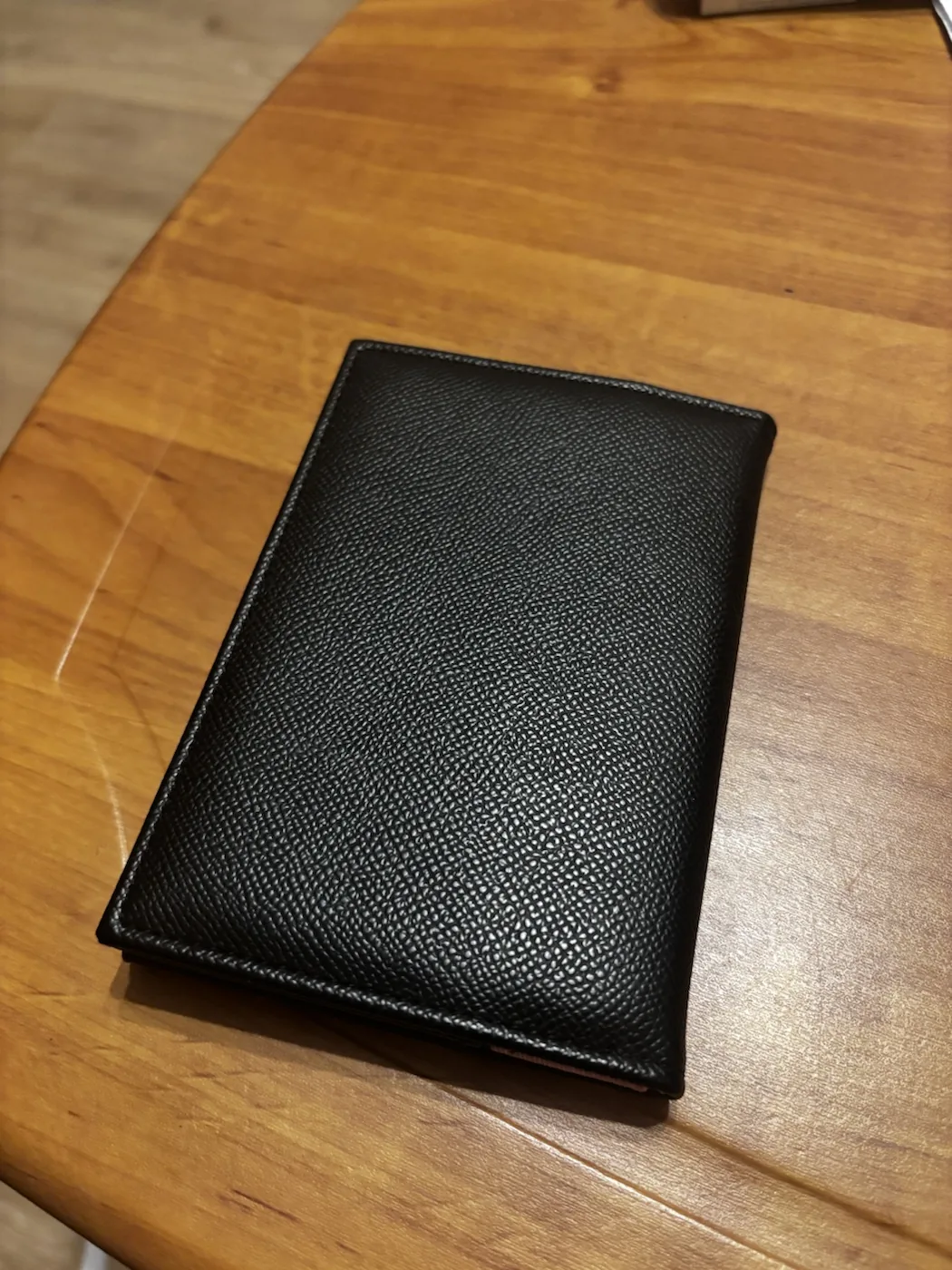
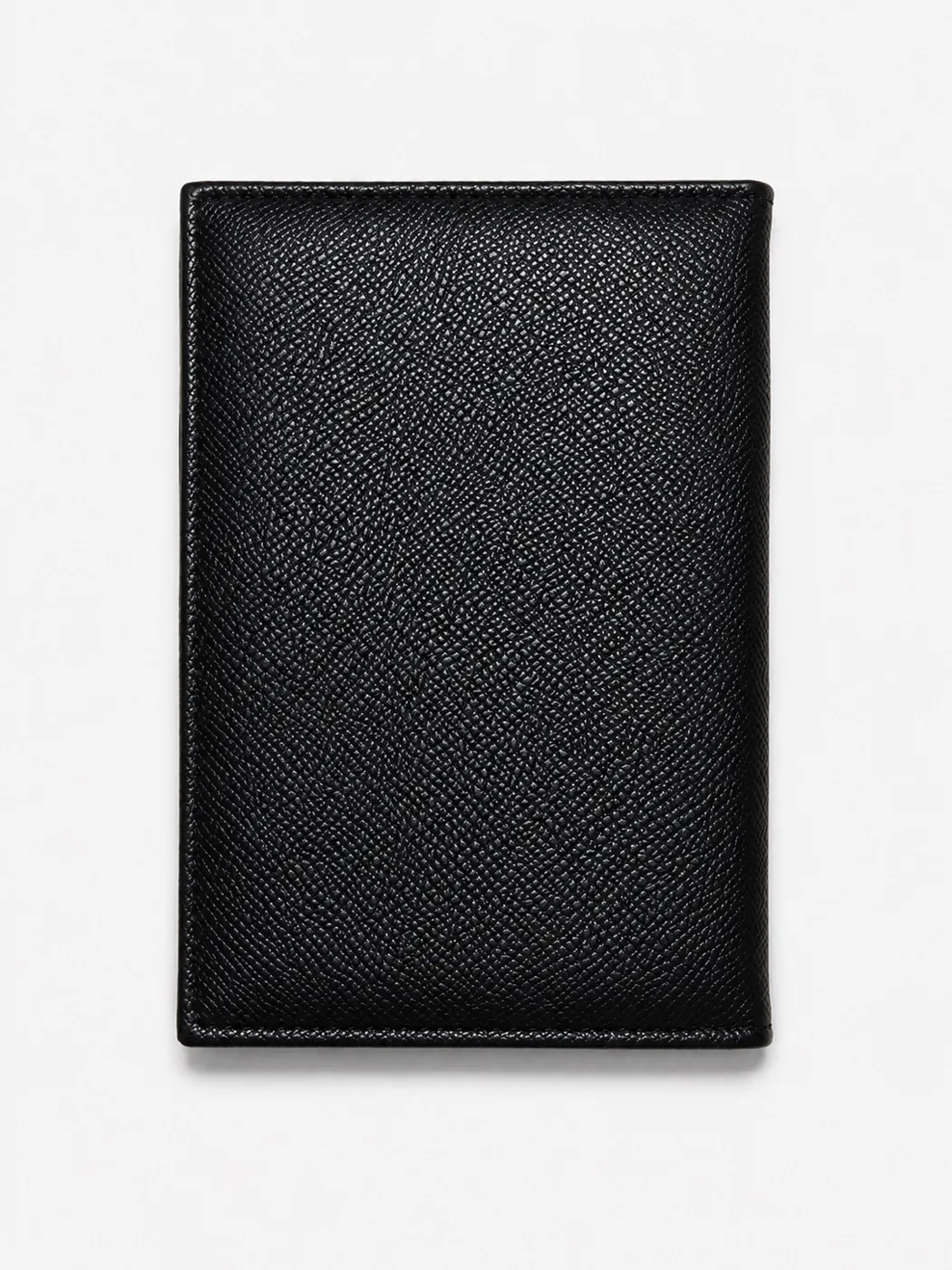
The shape, color, material and important details of a person or product are recorded in the prompt.
You can choose a studio, interior, street, natural scene or pure advertising background.
The new background matches the light direction, perspective, and contact shadow of the original file.
First, list what cannot be changed, and only then describe the new environment.
@Image is the exact human source file. Keep your face, hairstyle, physique, pose, clothes and accessories unchanged. Just replace the background with a bright modern cafe near a large window, soft morning light, light depth of field. Match the lighting on the person to the new surroundings, add a natural contact shadow. Photorealism, without changing appearance, clothing or proportions.
@Image is the exact product source file. Keep the shape, material, color, lid, label, logo and proportions unchanged. Replace only the background: dark stone, a thin layer of water, soft golden backlight and calm reflections. Product fully framed, realistic contact shadow, premium product photography. No new inscriptions or additional items.
You need to directly capture the appearance, hair, pose and clothing, and also select a good quality source file. Slight differences are still possible, so the result should be compared with the original.
Removing the background creates a transparent or solid color result. Replacing the background immediately creates a new environment, light and shadows.
Yes. It is especially important to prohibit changes in the shape, labeling, logo and design of packaging.
Open ClipVision, select the appropriate model and check the final cost before launch.
Open in MAXOpen in Telegram